Exteriors that stop the scroll
Day to Dusk (Twilight)
Turn a daytime exterior into a warm twilight look—no return trip to the property.
- Believable sky & glow
- Balanced windows
- Landscape stays coherent
JPEG, PNG, WebP, HEIC/HEIF, and camera RAW like Sony ARW and Canon CR2/CR3 supported on upload.
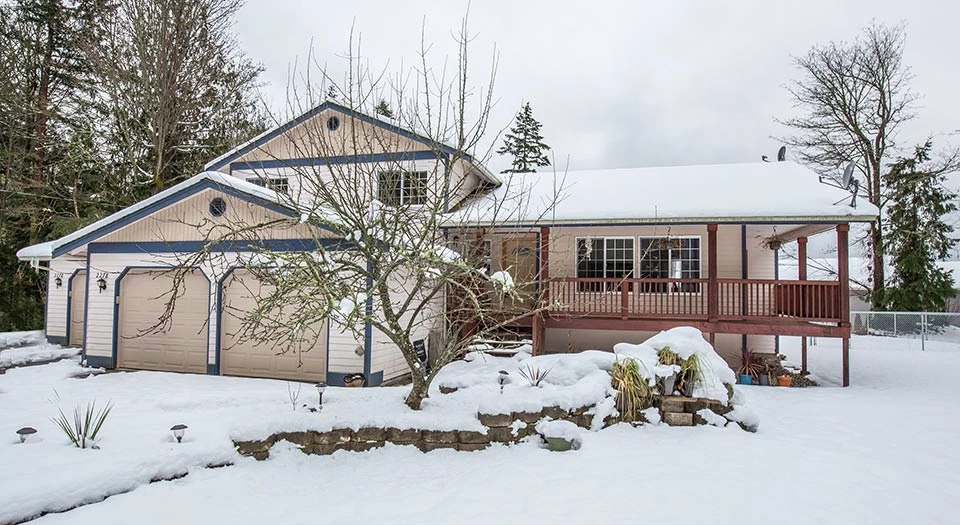
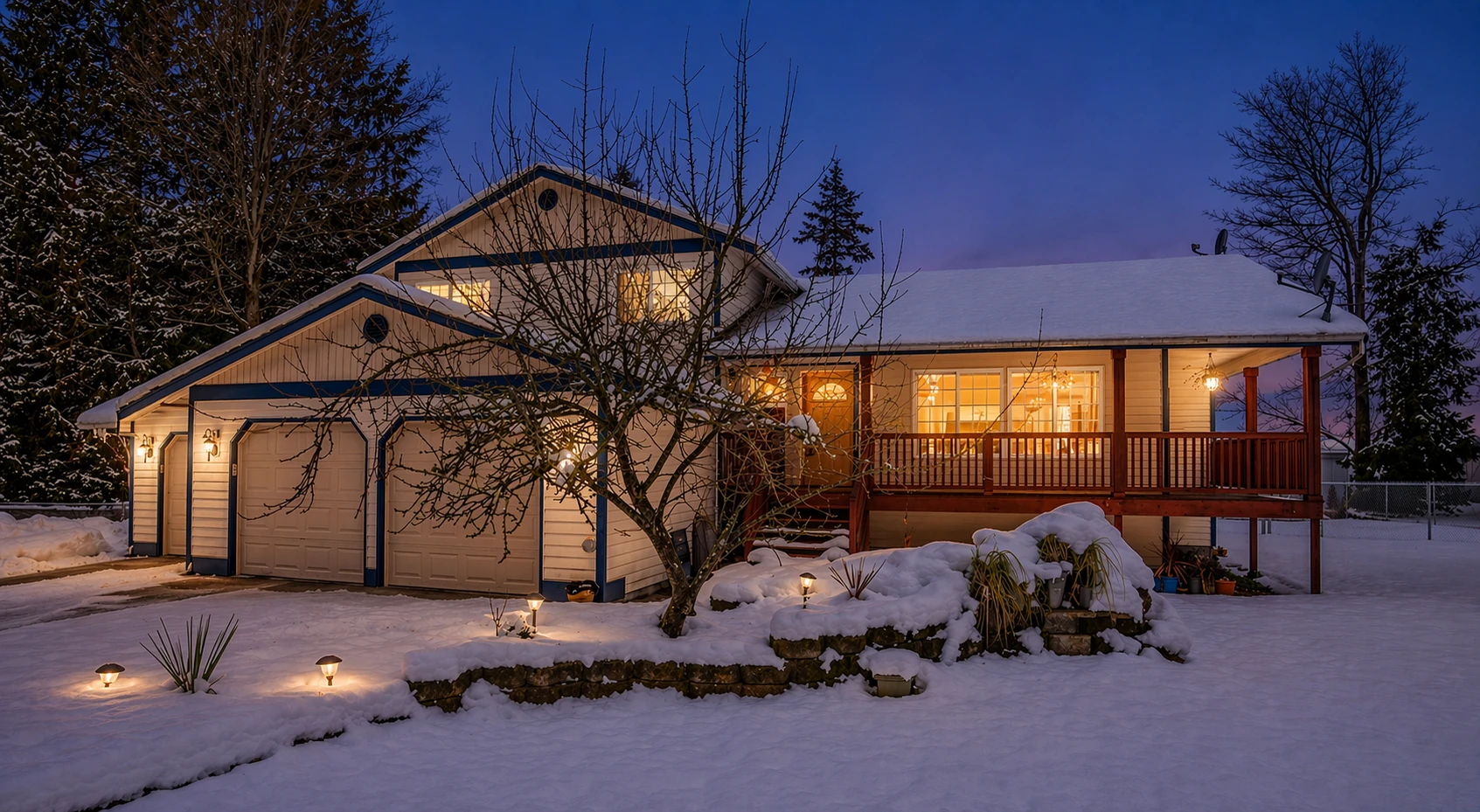
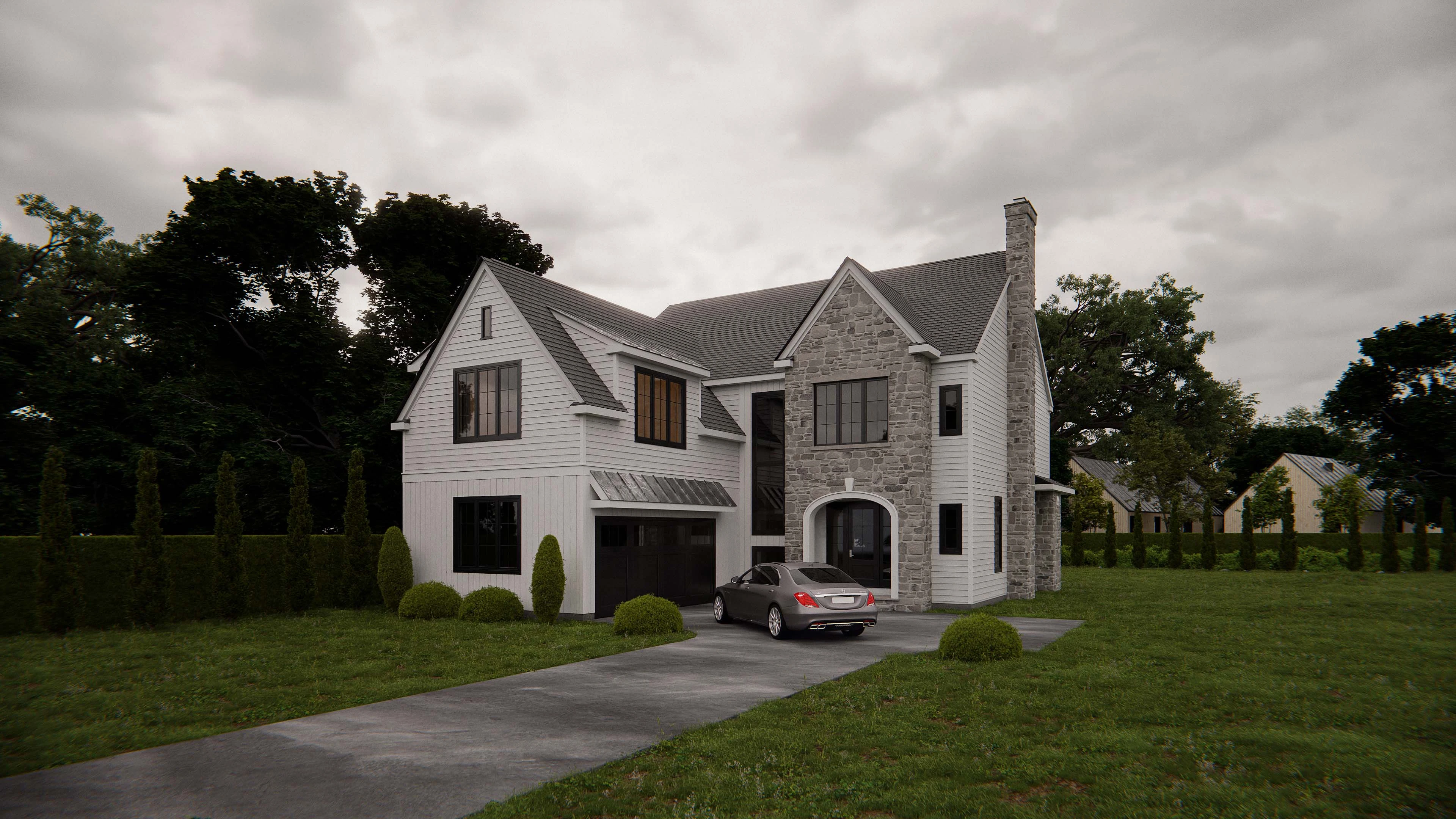
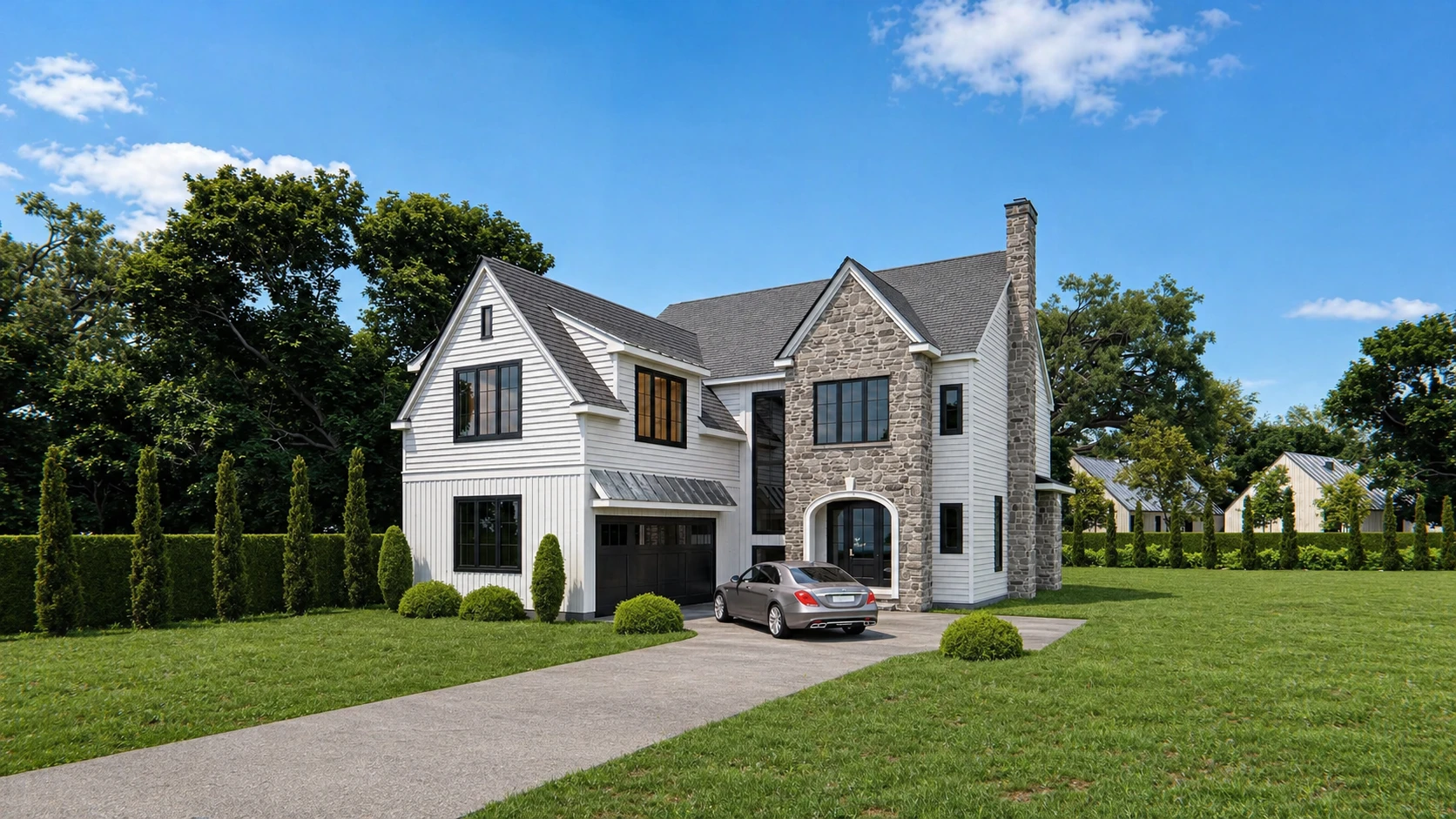
Exterior transformed to twilight with subtle lighting and enhanced evening atmosphere
See the day → dusk shift
Drag the slider. Outputs aim for a natural twilight mood.
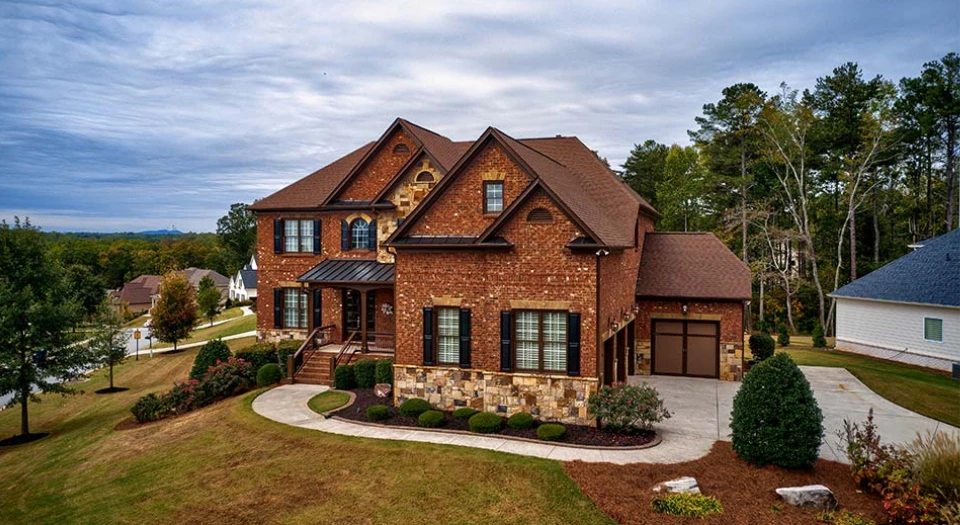
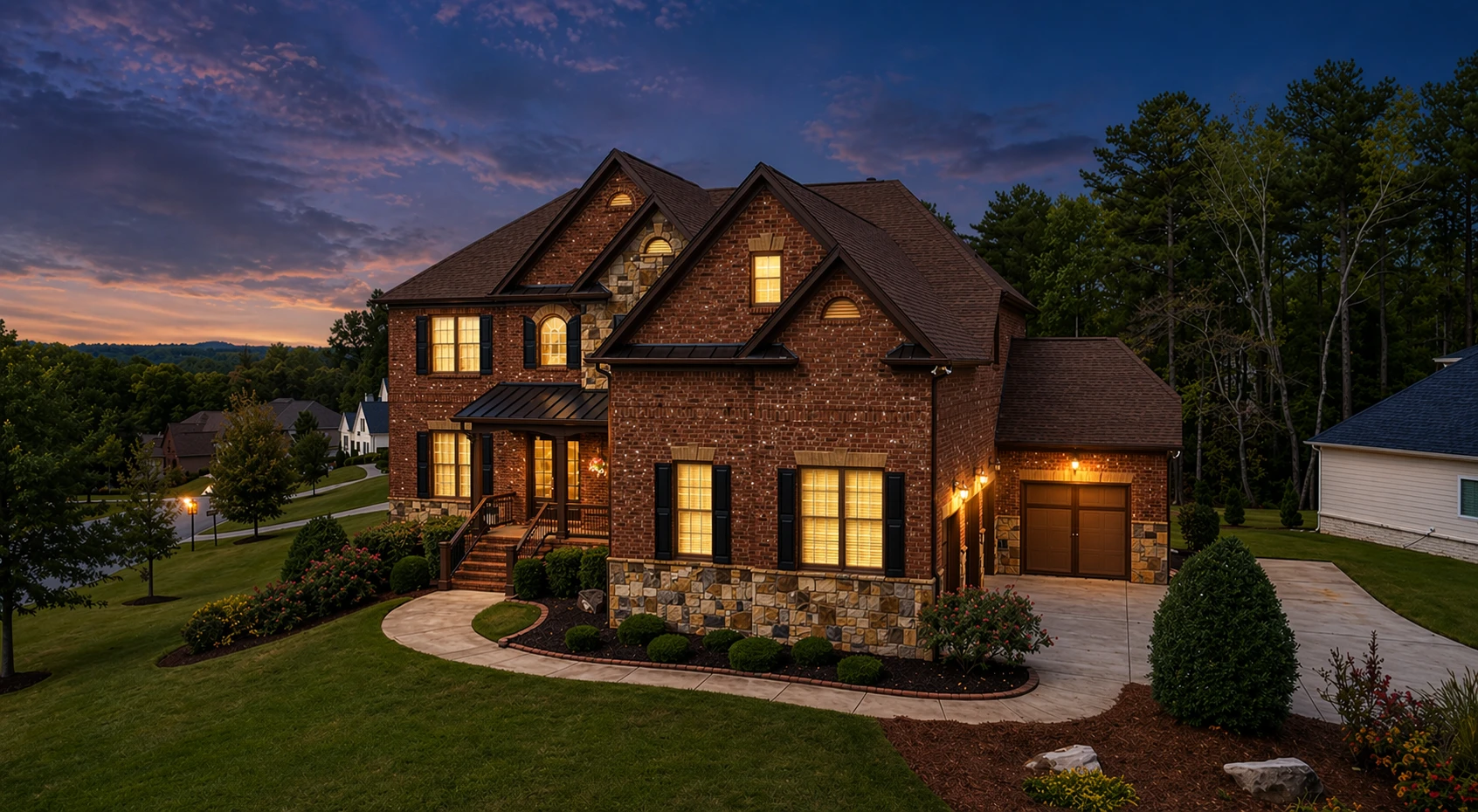
Daylight exterior shifted to a warm twilight ambiance with natural window glow
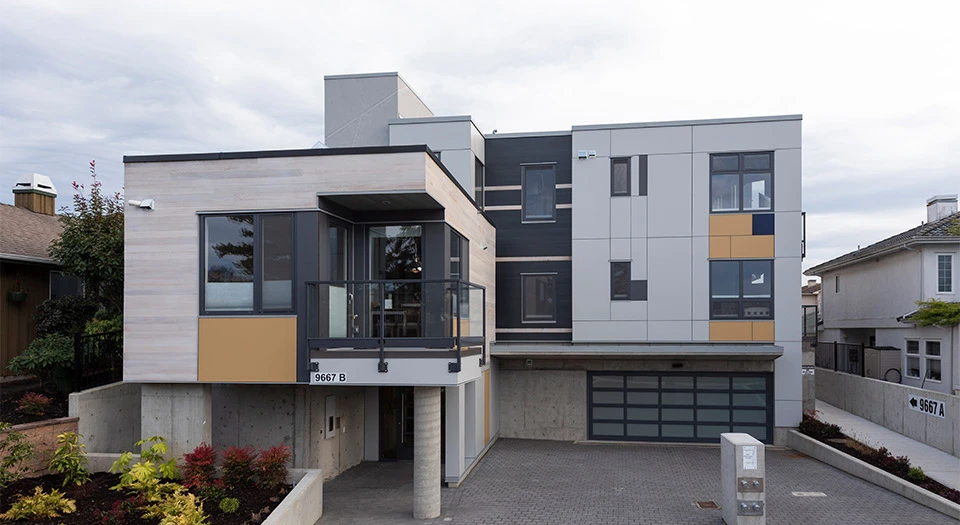
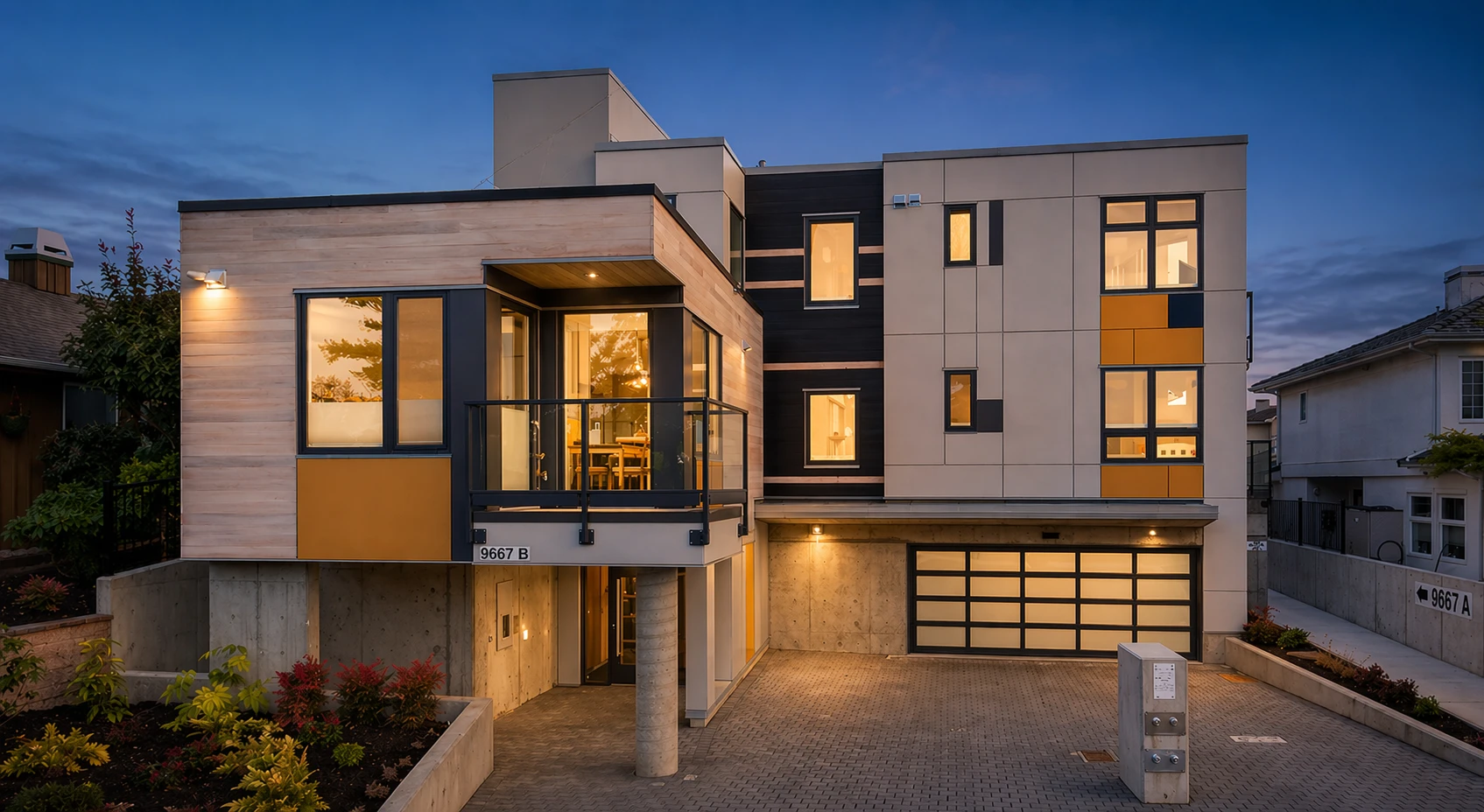
Modern facade enhanced with soft dusk lighting and balanced exterior contrast
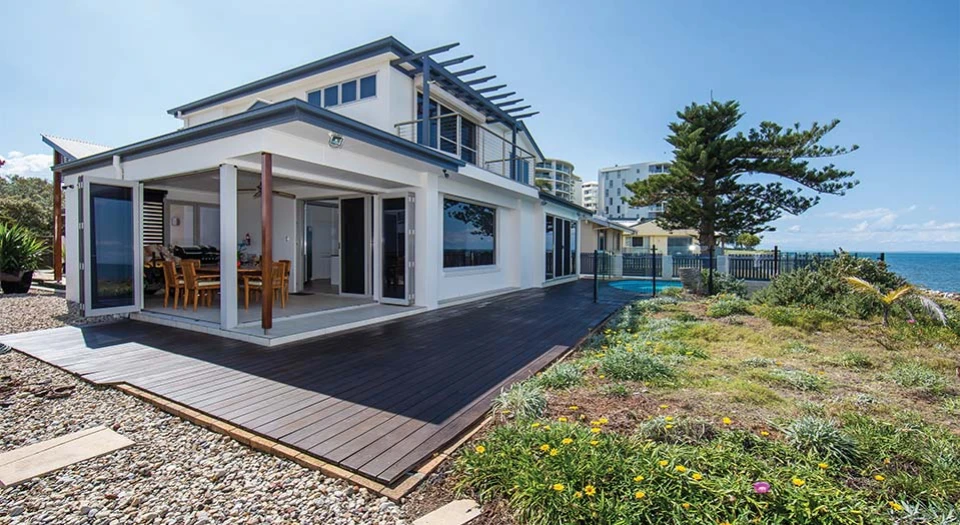
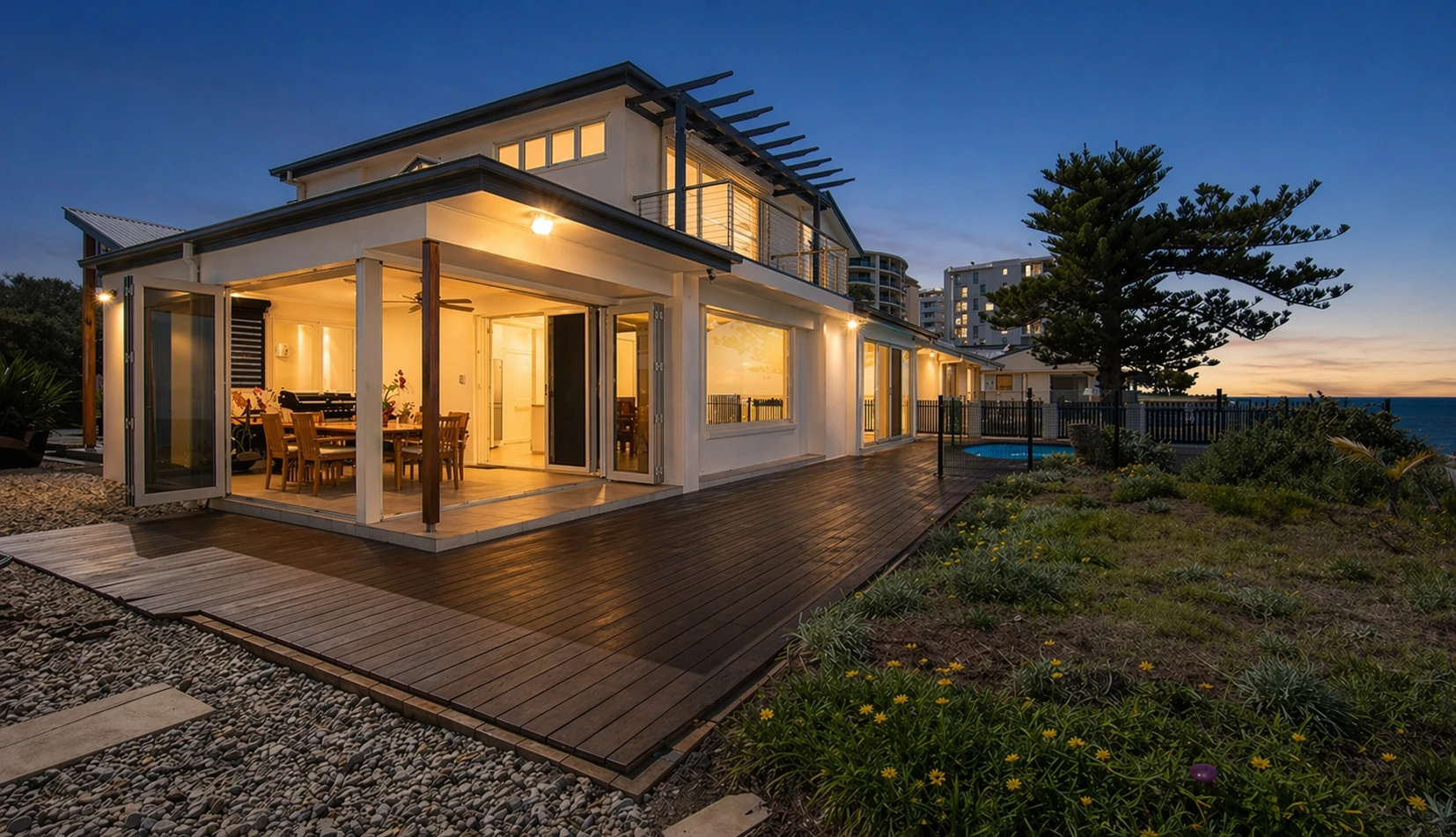
Exterior transformed to twilight with subtle lighting and enhanced evening atmosphere
What goes into the edit
Same levers as our day-to-dusk edit prompt: believable twilight, activated lights where they already exist in frame, and disclosure-friendly geometry.
Sky & dusk ambient
- Replace daytime sky with a natural dusk sky—soft blue gradient and subtle clouds (no neon “sunset drama”)
- Slightly darker global exposure so the frame reads blue-hour, not midday
- Subtle cool ambient in shadows while keeping detail—no crushed blacks
Interior & exterior lights
- Turn on visible interior lights and exterior fixtures already in shot—porch, façade, balcony, garden, garage
- Warm, realistic glow with natural falloff on nearby surfaces—no new fixtures invented
- Windows show soft interior warmth and depth without blown highlights
Color & realism
- Preserve natural material colors and textures
- Balance warm lighting with cooler dusk sky tones—physically plausible, not stylized grading
- Avoid exaggerated HDR bloom, harsh halos, or “luxury magazine” effects
Geometry & MLS guardrails
- Straight horizon and verticals; correct lens distortion—geometry prioritized over loose framing
- Crop only to fix distortion or trim empty edges—no hallucinated architecture or landscaping
- Scene stays truthful: no furniture or décor adds, no misleading property changes

Combine with other listing tools
Use enhancement and staging where they help the rest of the set.