For vacant & listing-ready homes
Virtual Staging for Real Estate Listings
Show scale and function in empty rooms with furniture and decor that respects perspective—without a physical staging visit. Multi-view support: upload multiple angles of the same room and we keep furnishings and décor consistent across every shot.
- Furniture & flow
- Perspective-aware placement
- Multi-angle same room
- MLS-friendly look
JPEG, PNG, WebP, HEIC/HEIF, and camera RAW like Sony ARW and Canon CR2/CR3 supported on upload.
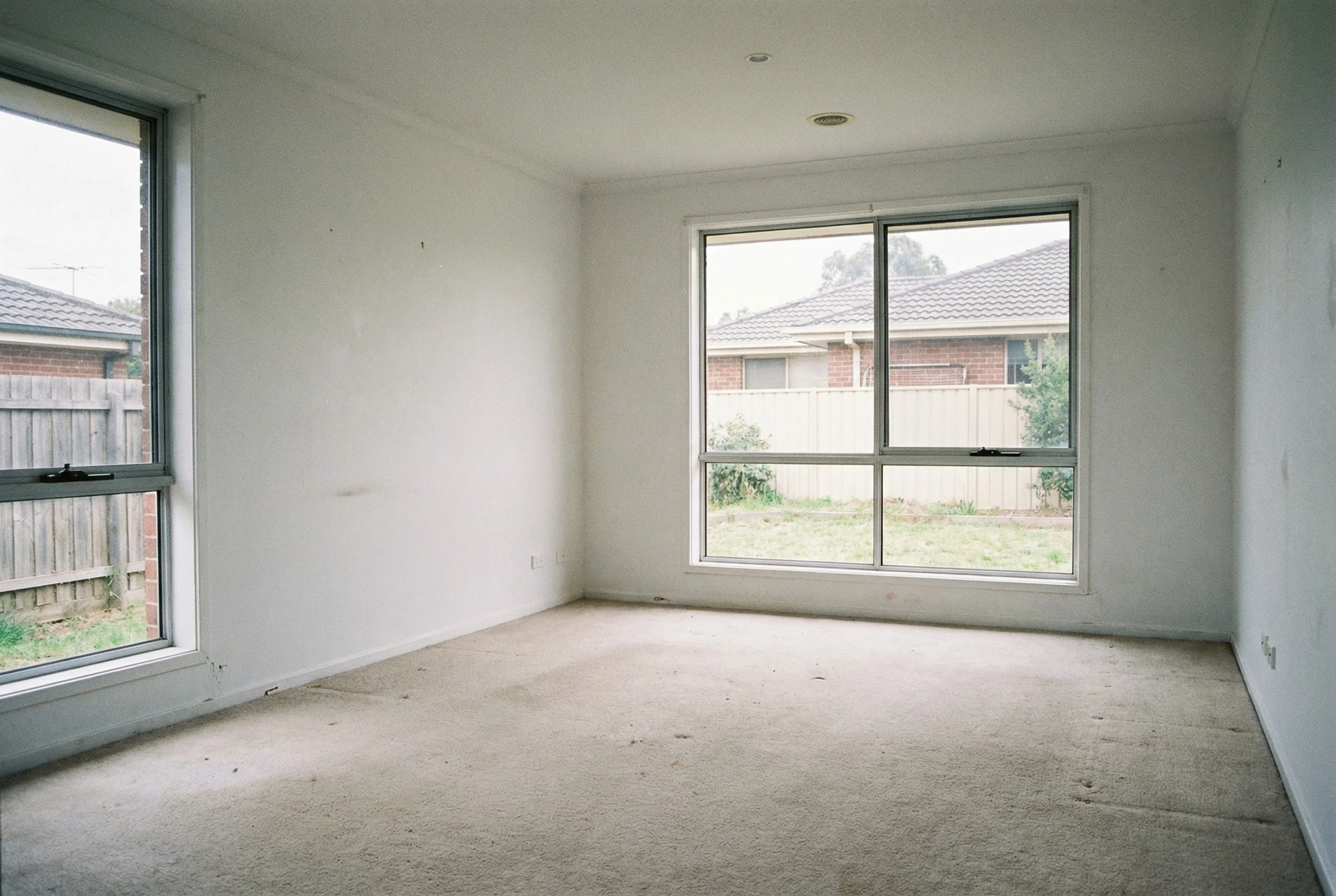
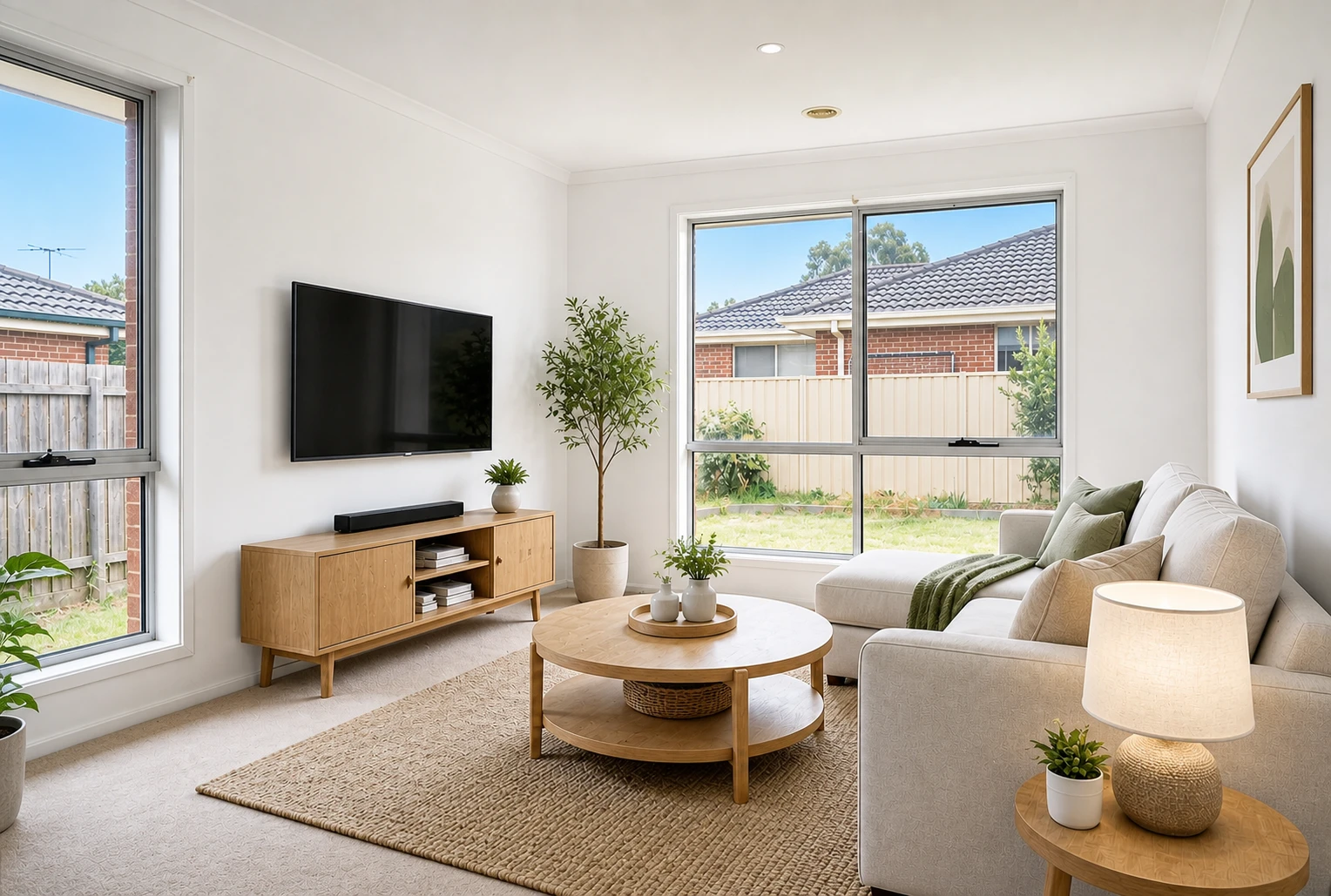
Warm living room staged.
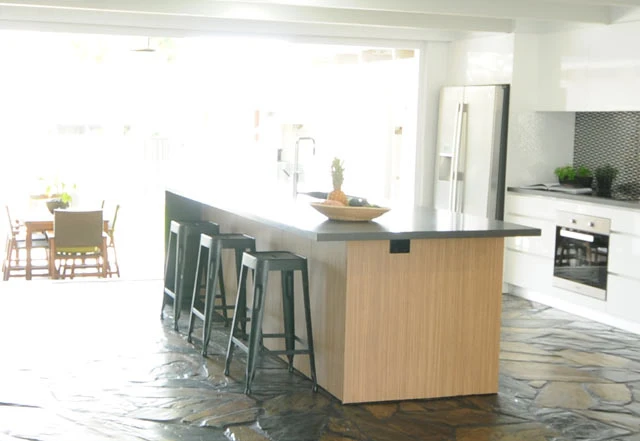
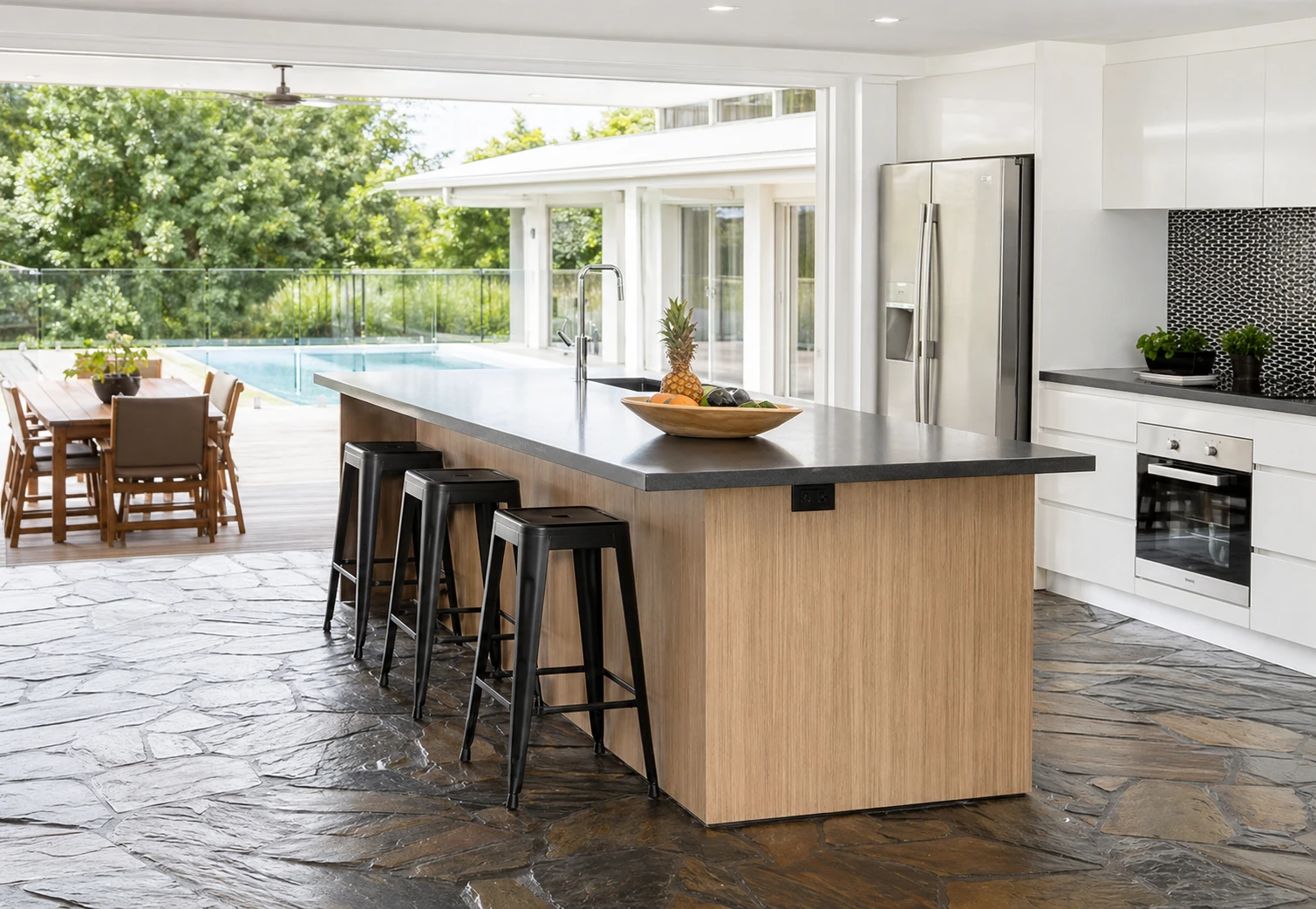
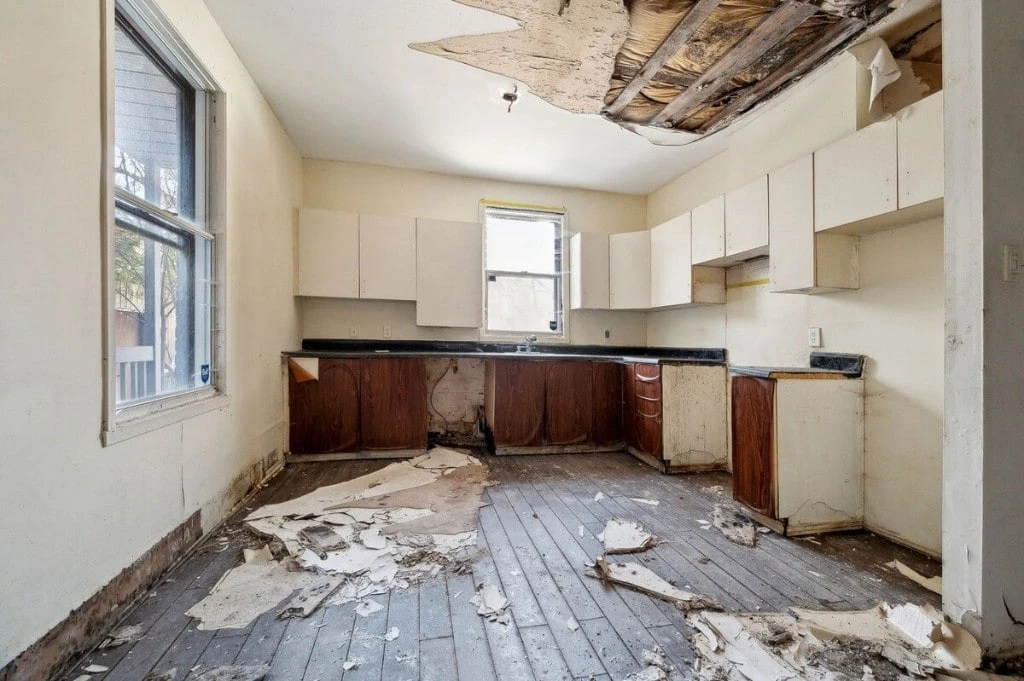
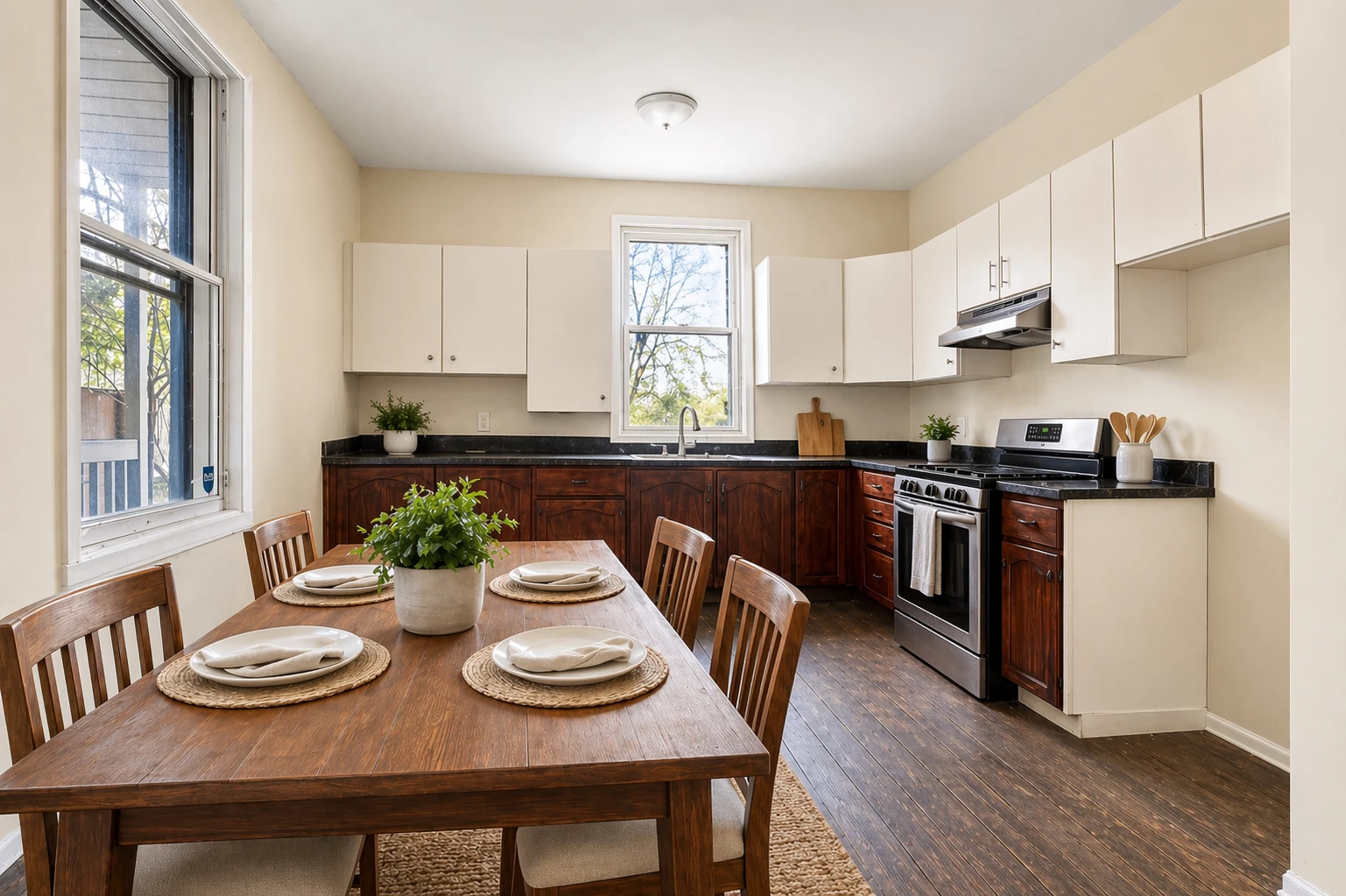
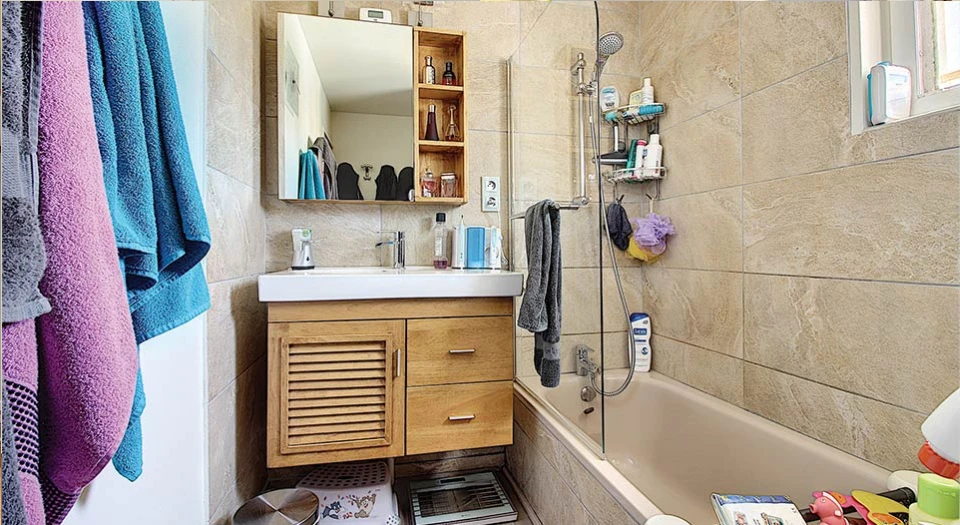
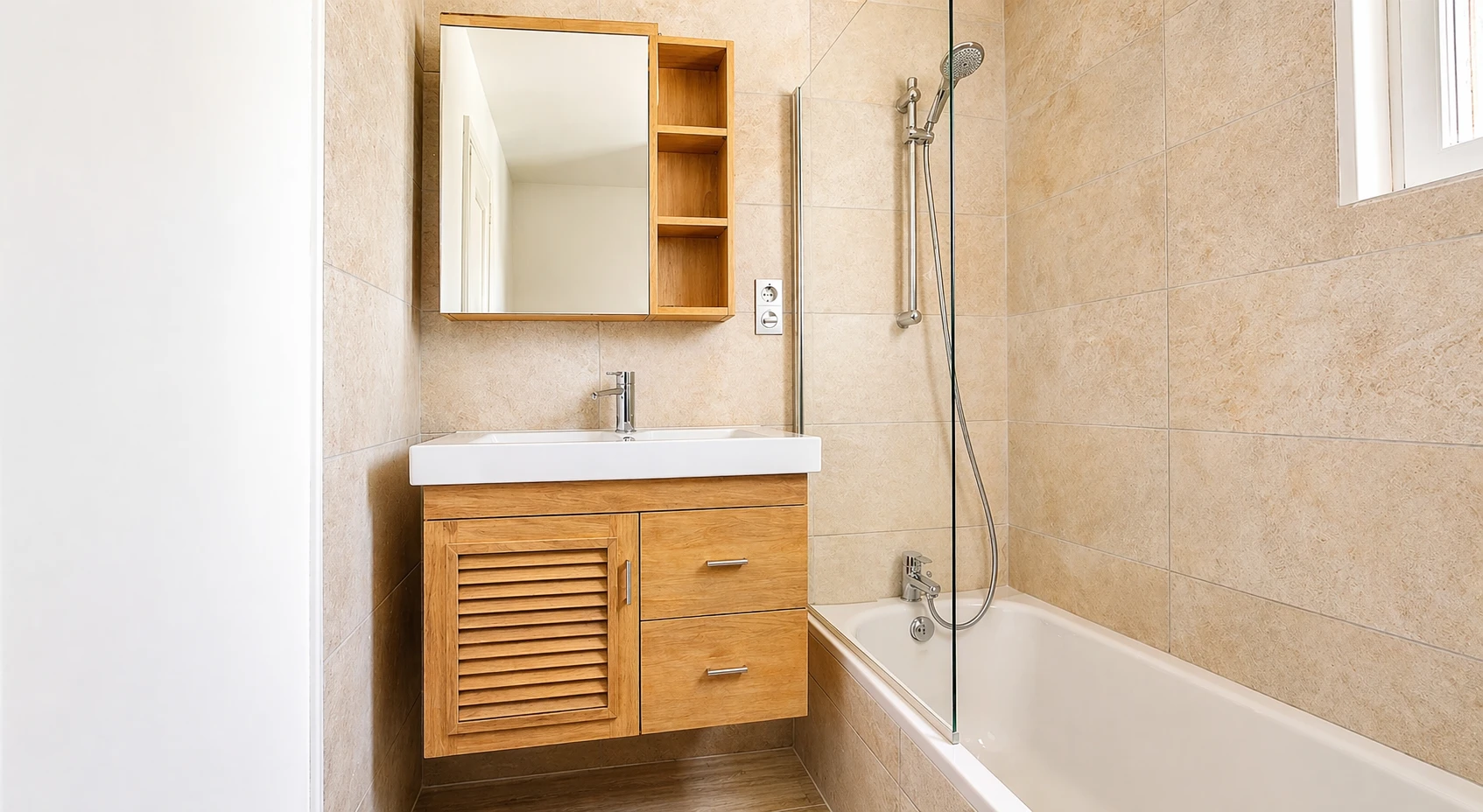
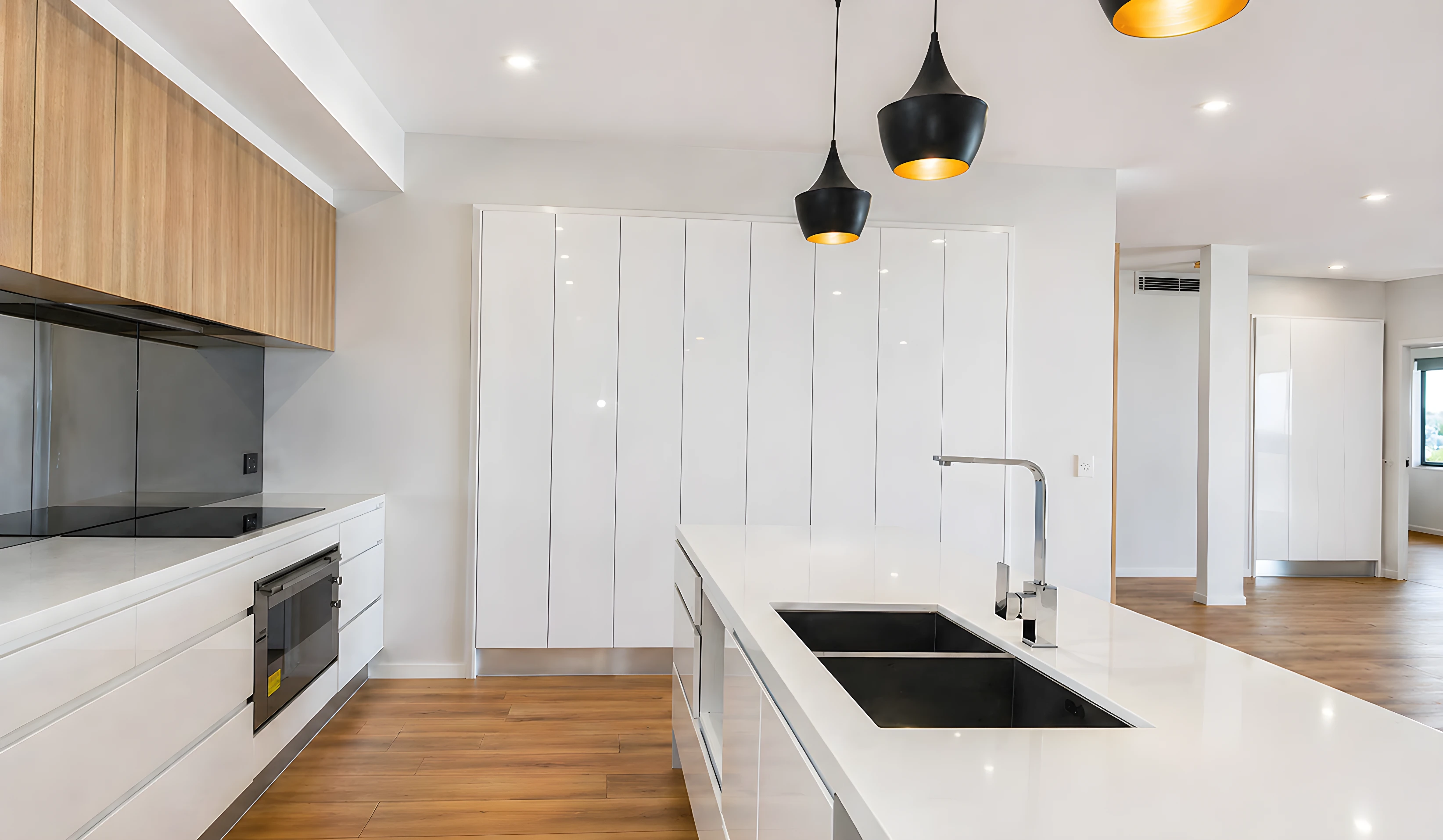
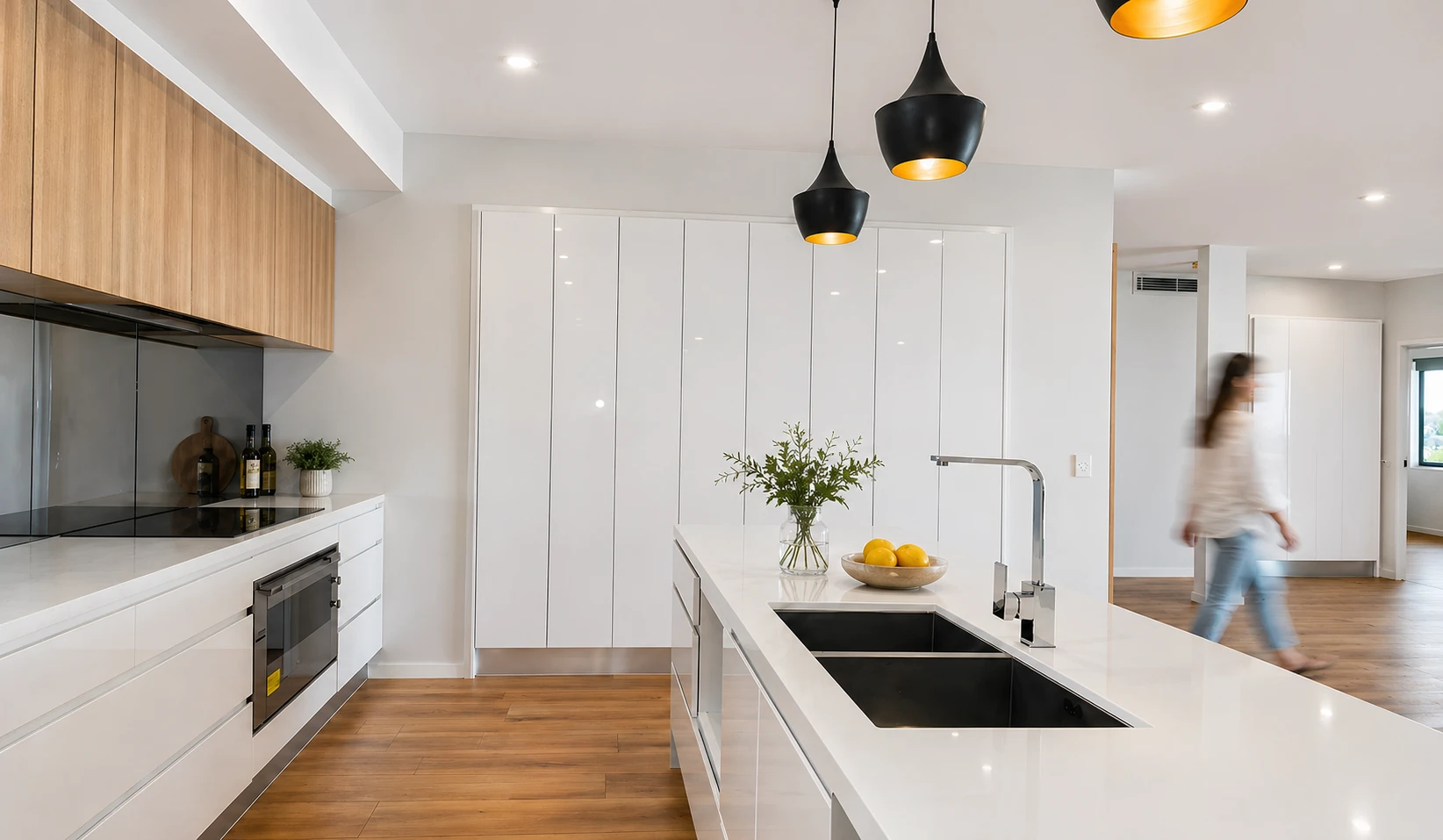
Before & after staging
Drag the slider to compare. Examples use placeholder or generated assets for marketing.
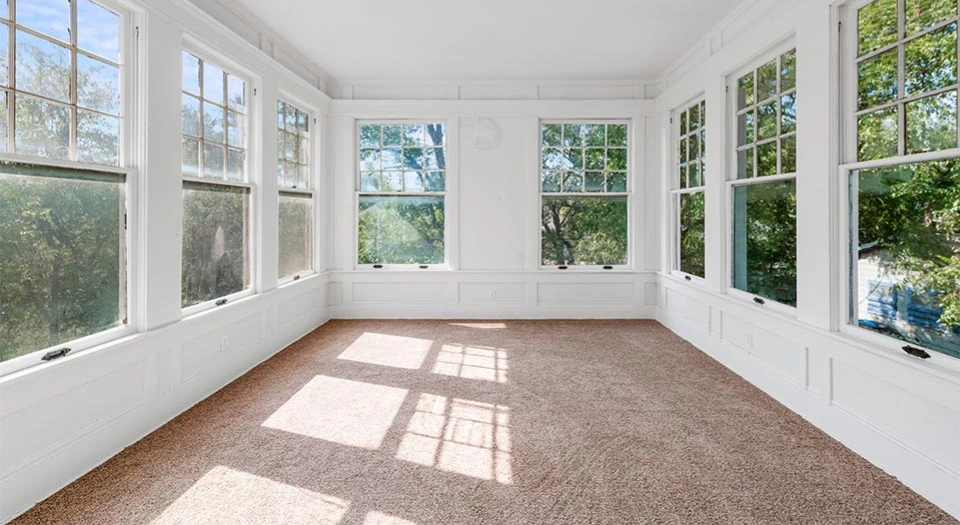
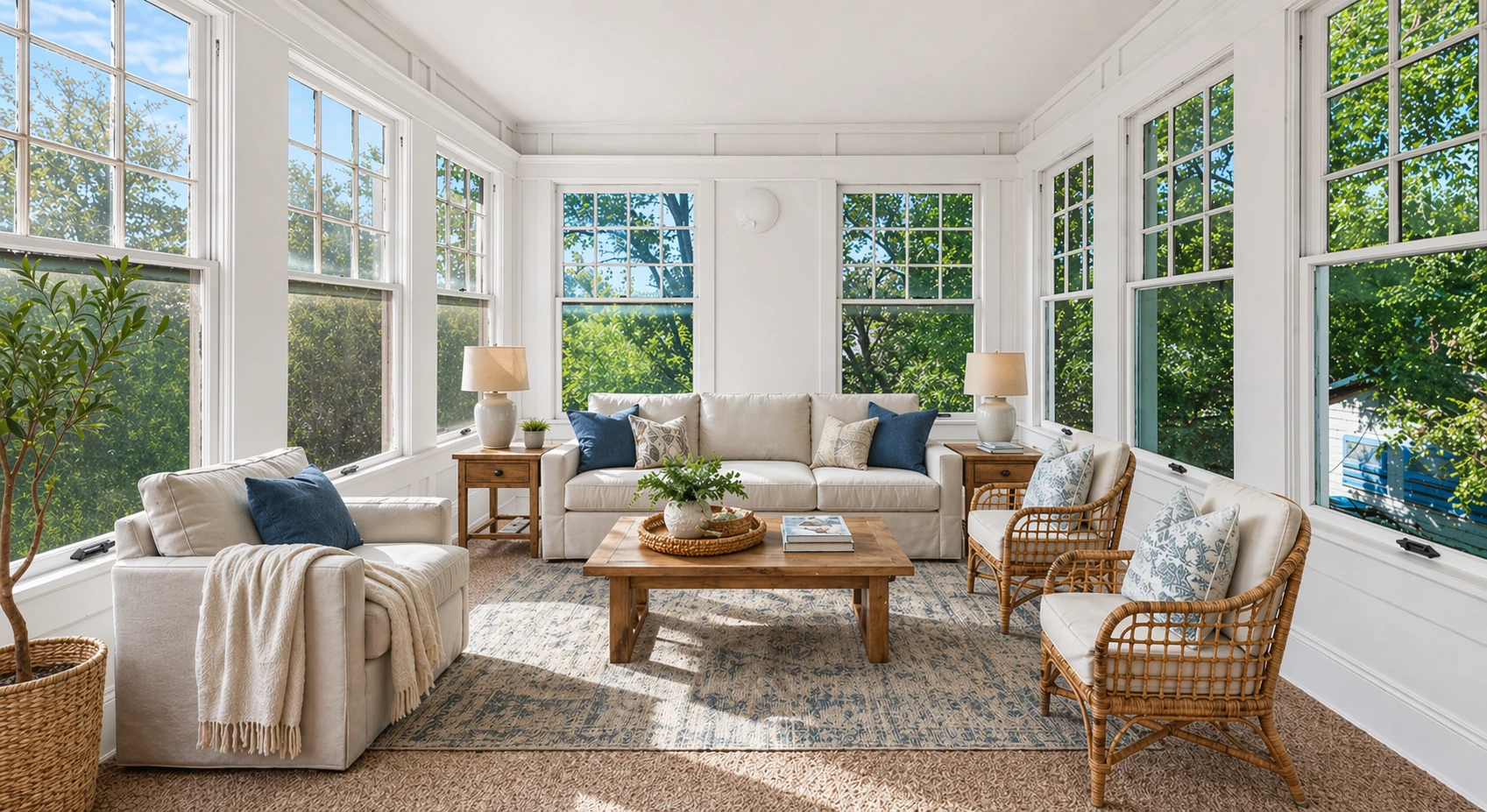
Living flow: seating that reads vacant rooms at full width
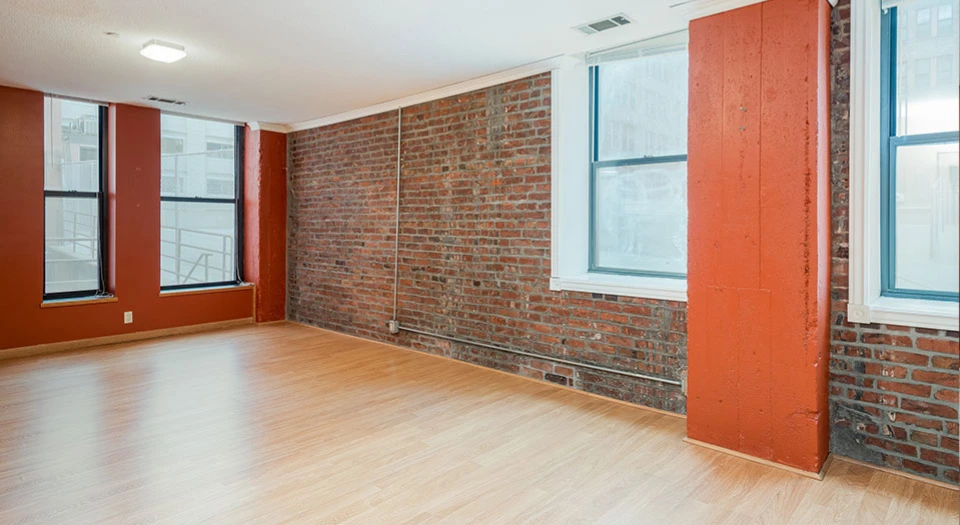
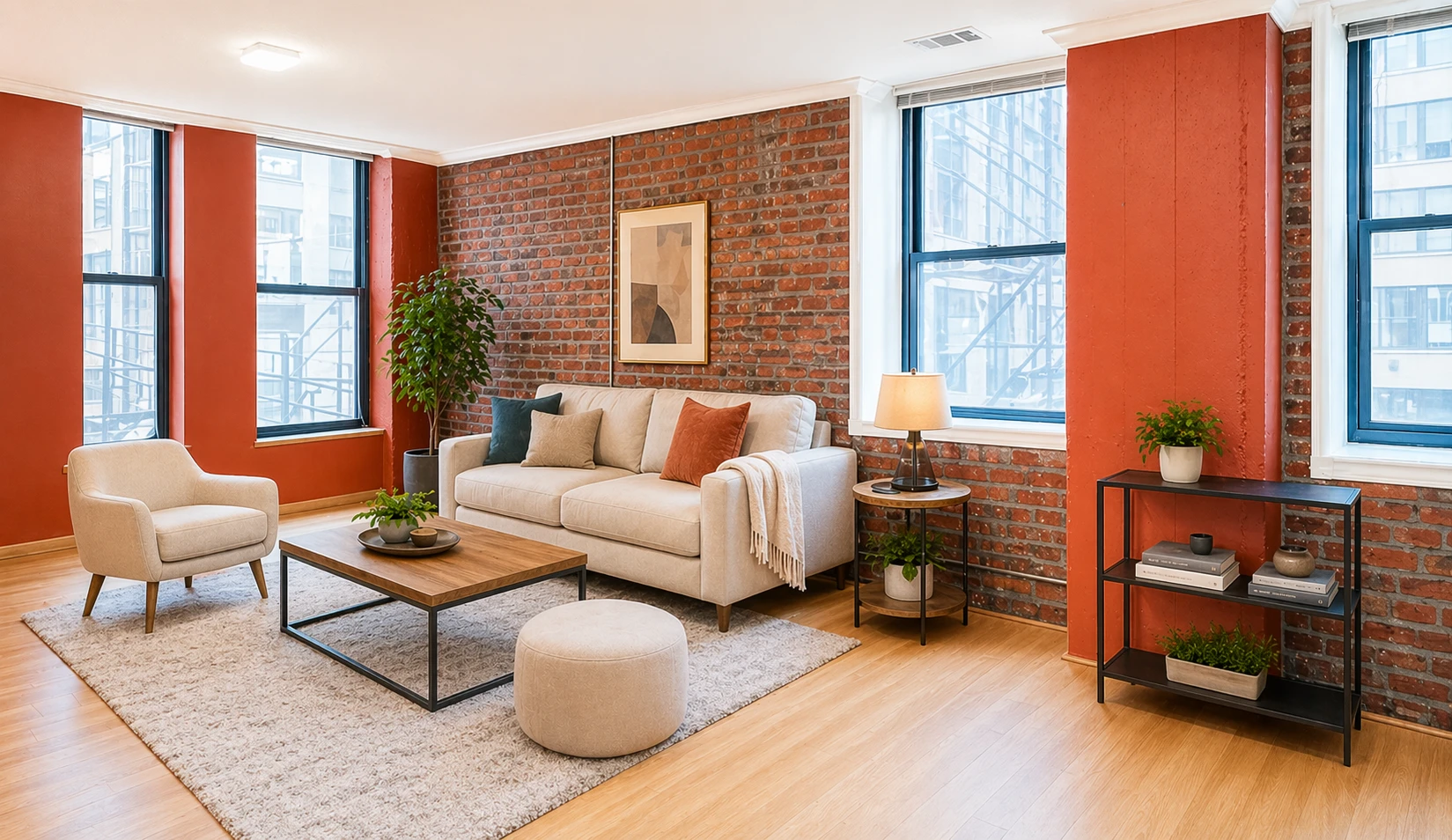
Scaled living room layout + soft daylight balance
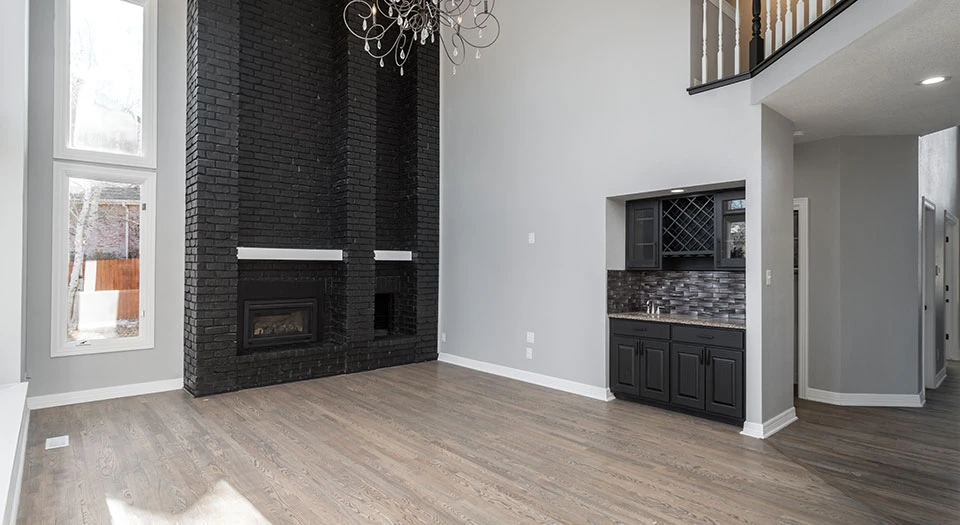
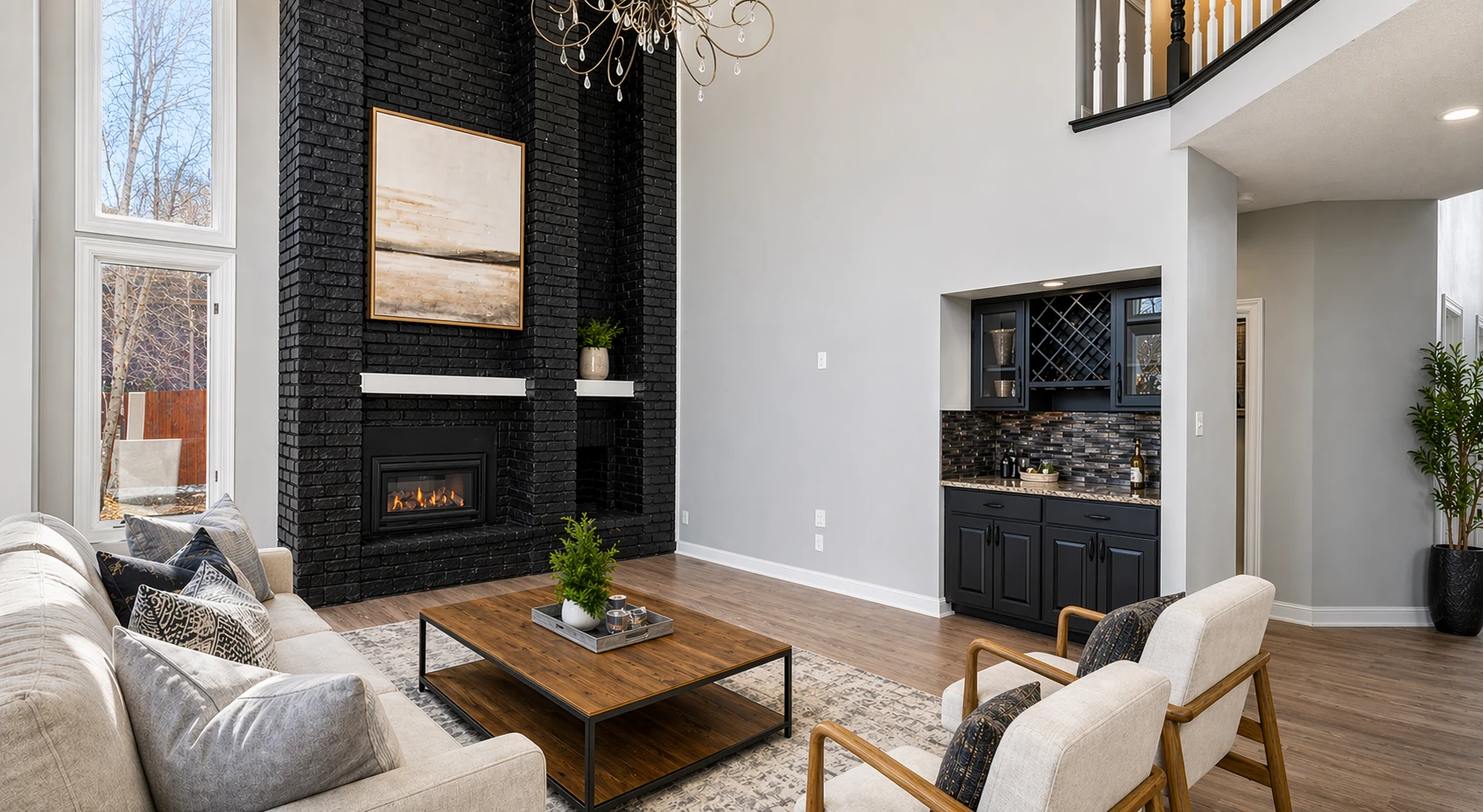
Empty room staged to showcase a functional and inviting living area
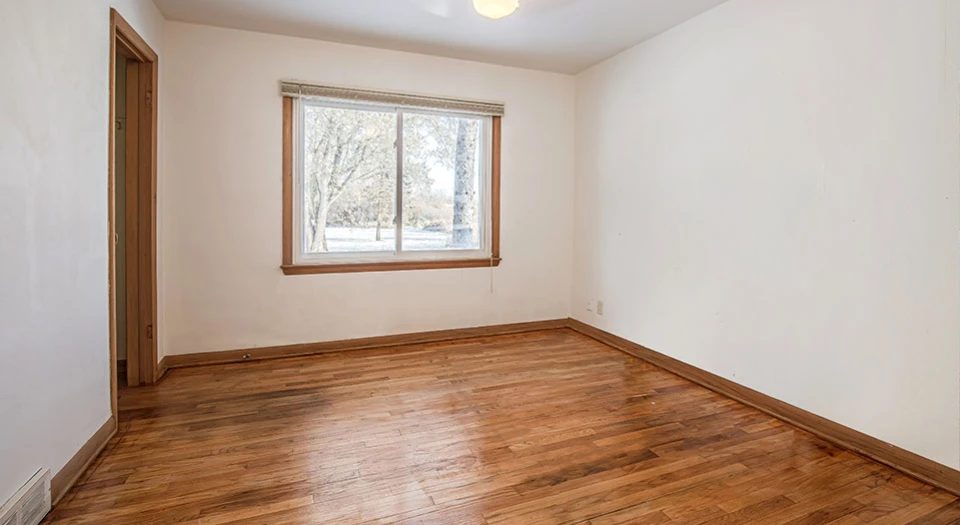
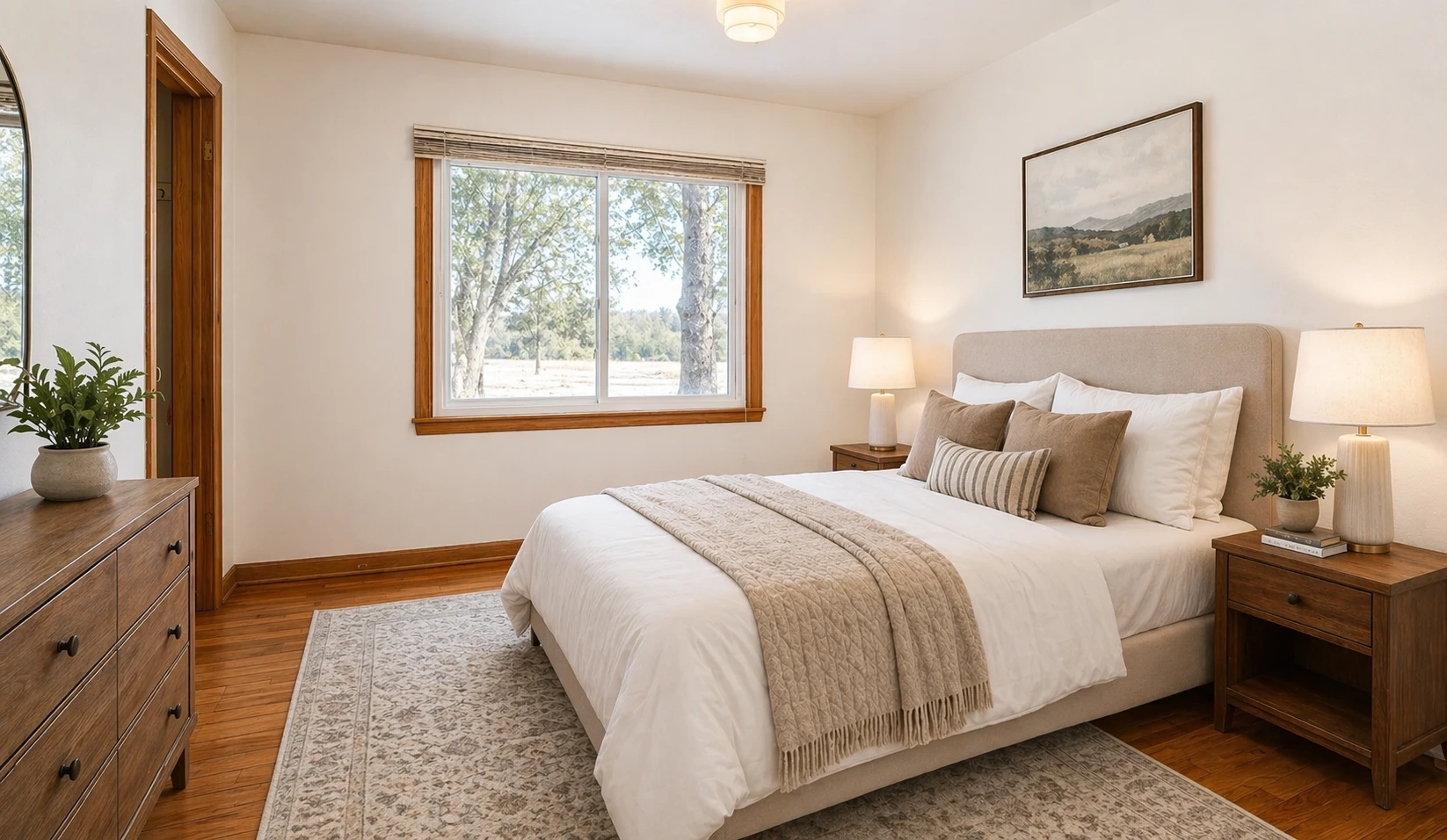
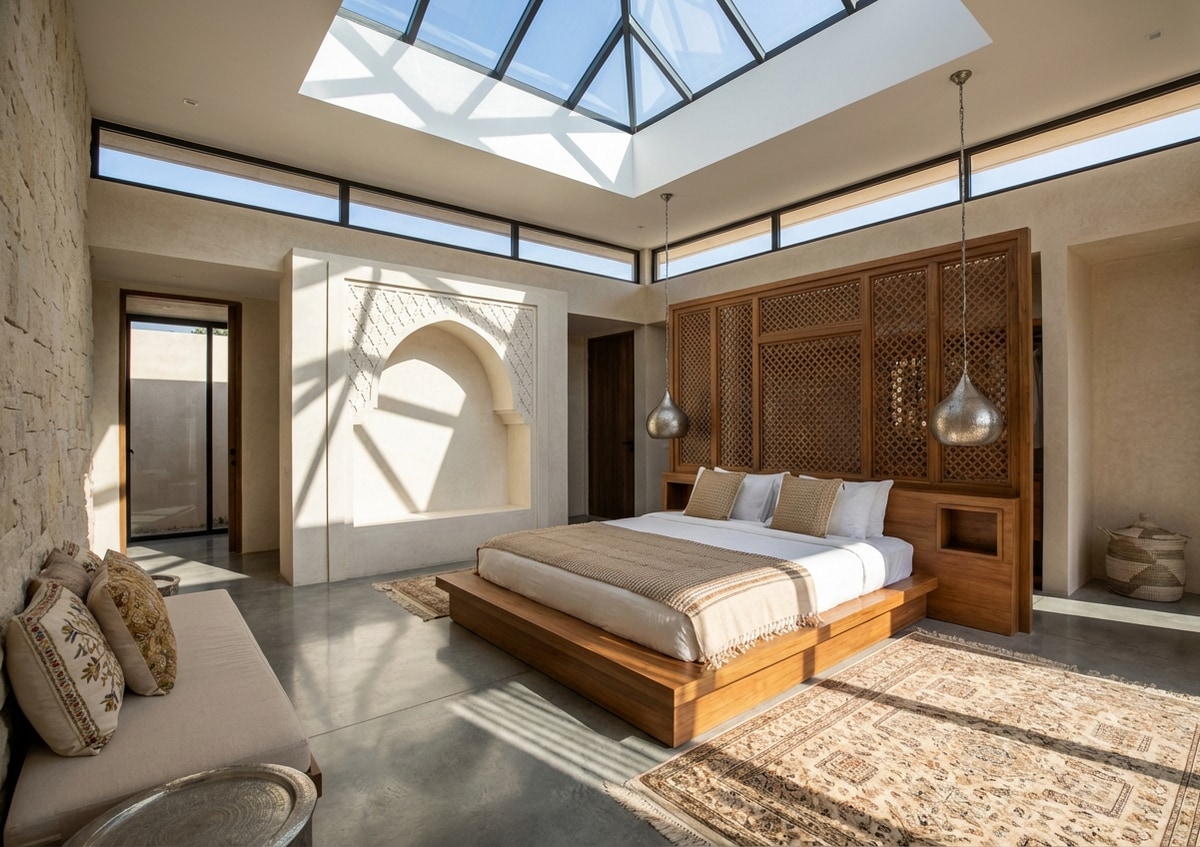
Bedroom sight lines with furniture respecting perspective
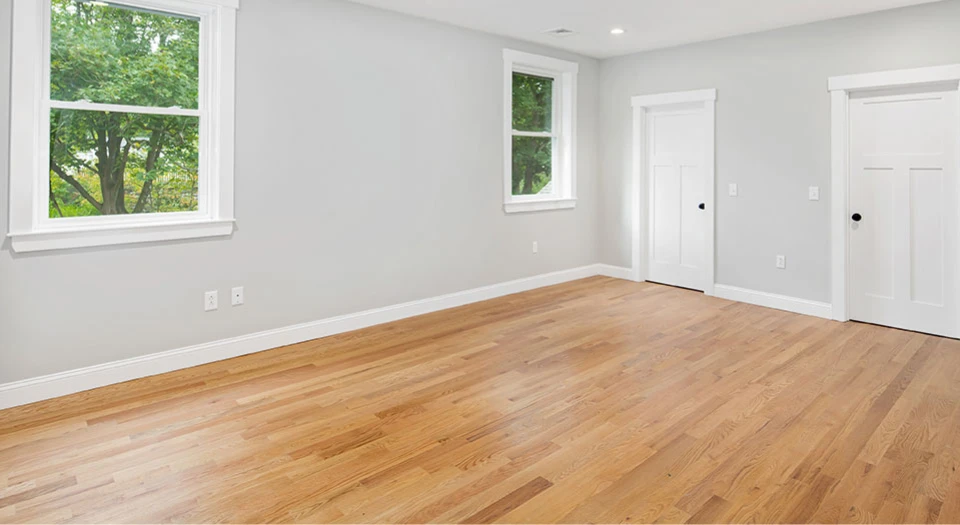
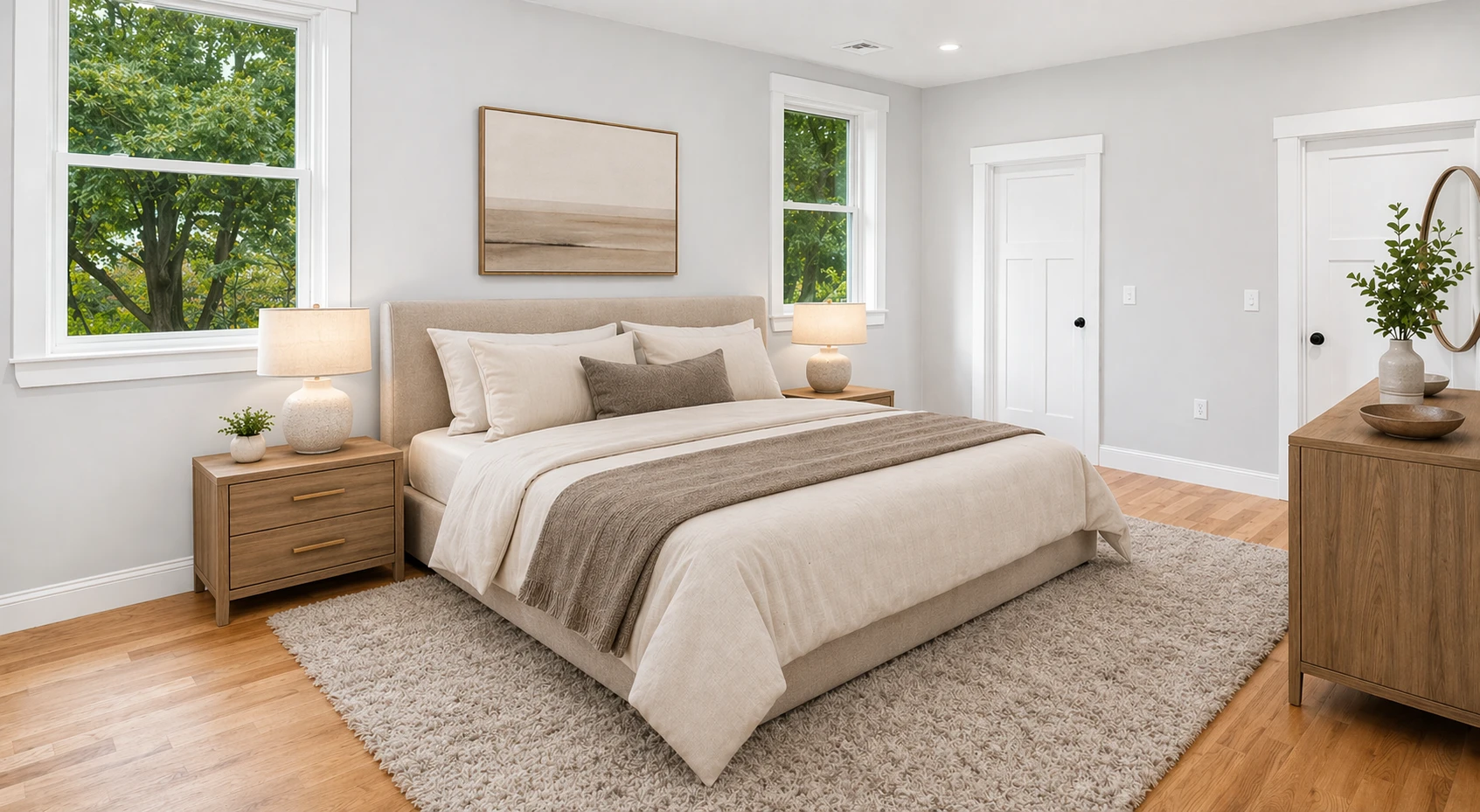
Bedroom layout enhanced with natural flow and realistic furniture placement
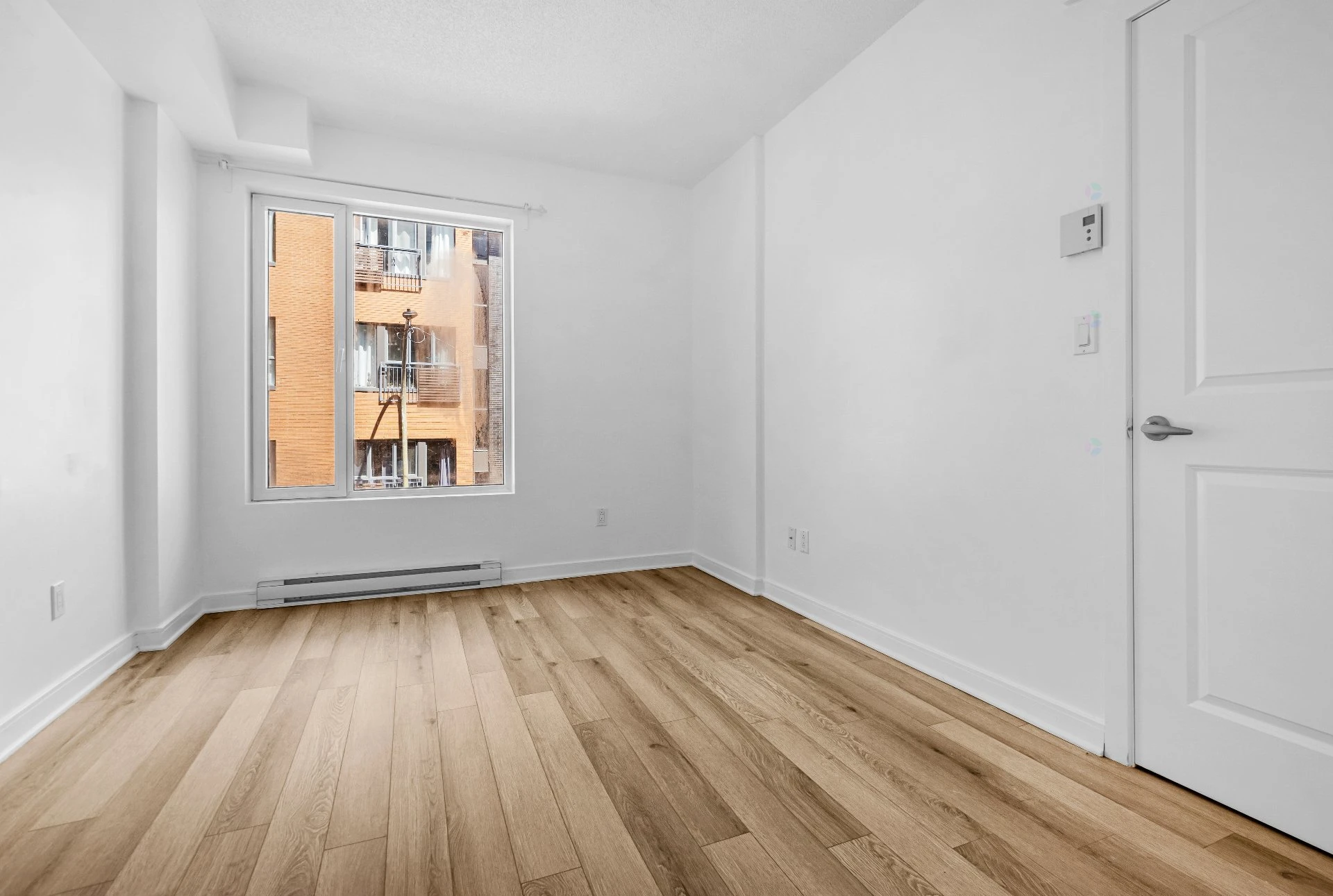
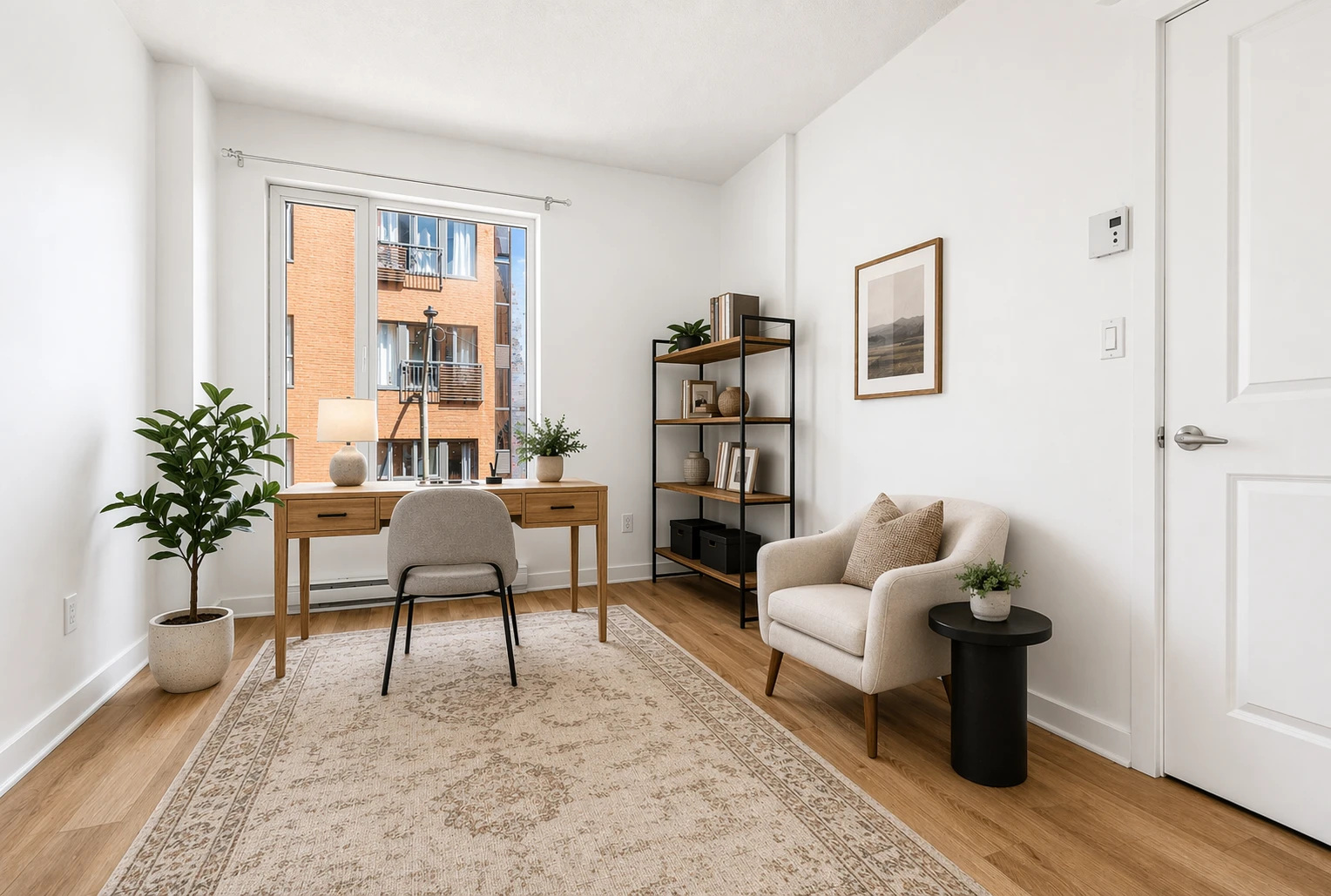
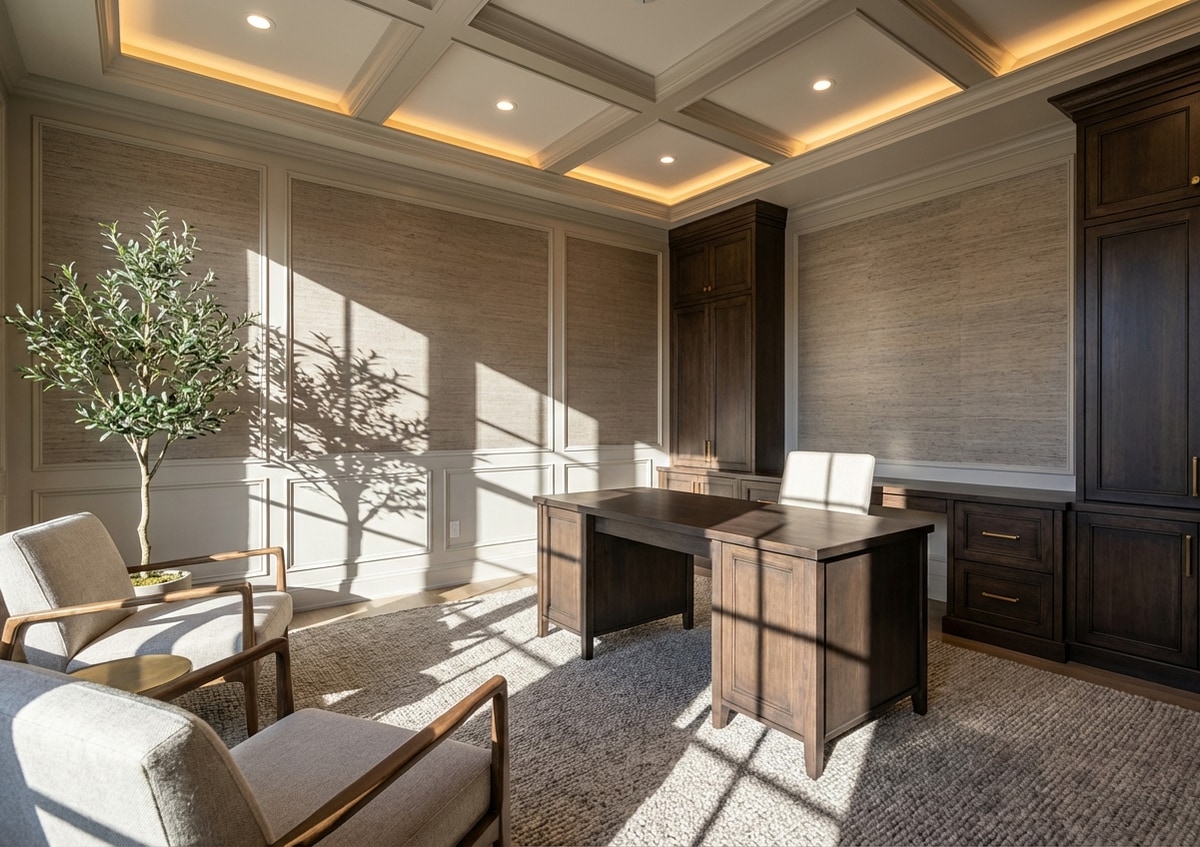
Office / flex nook: function without cluttering the footprint
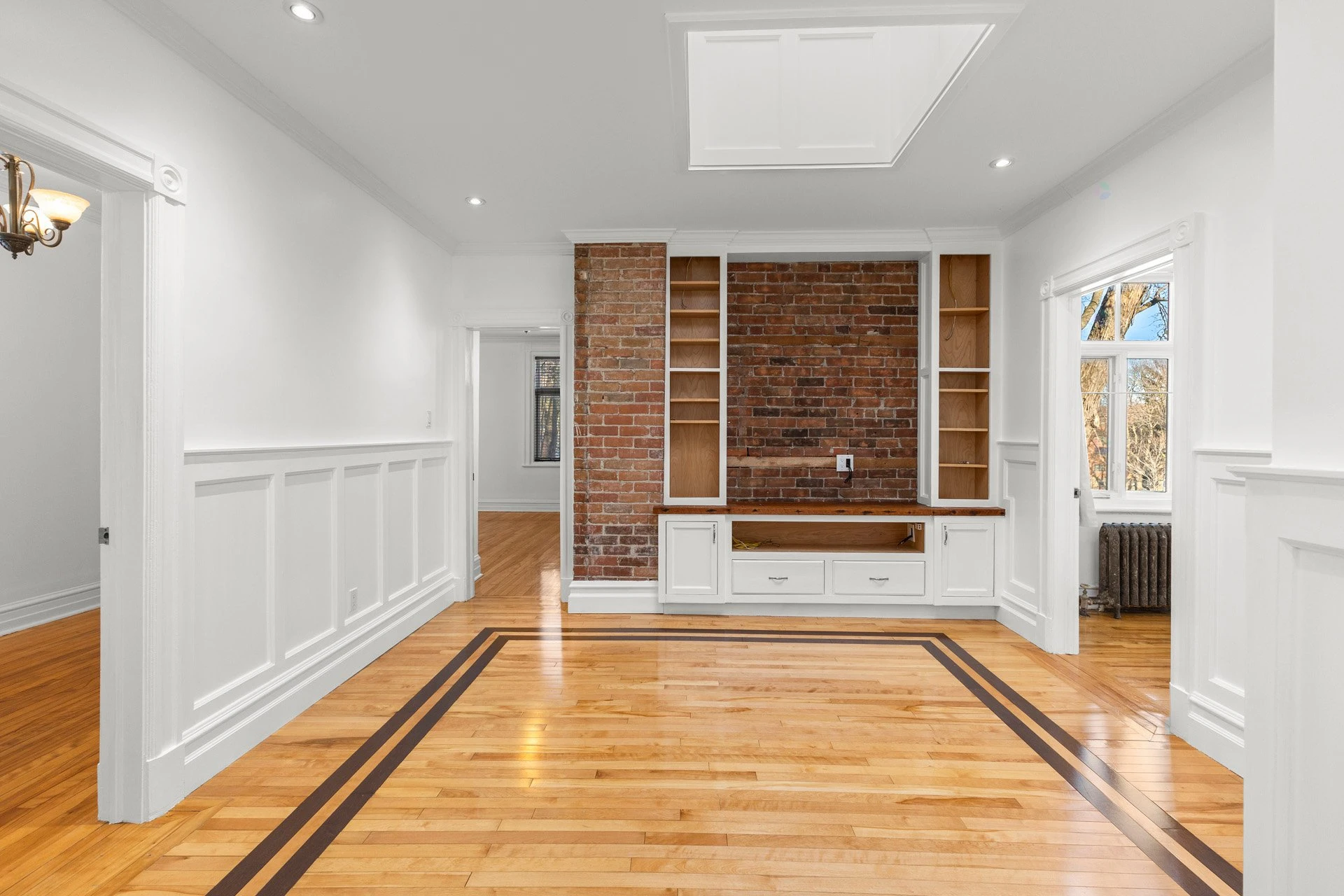
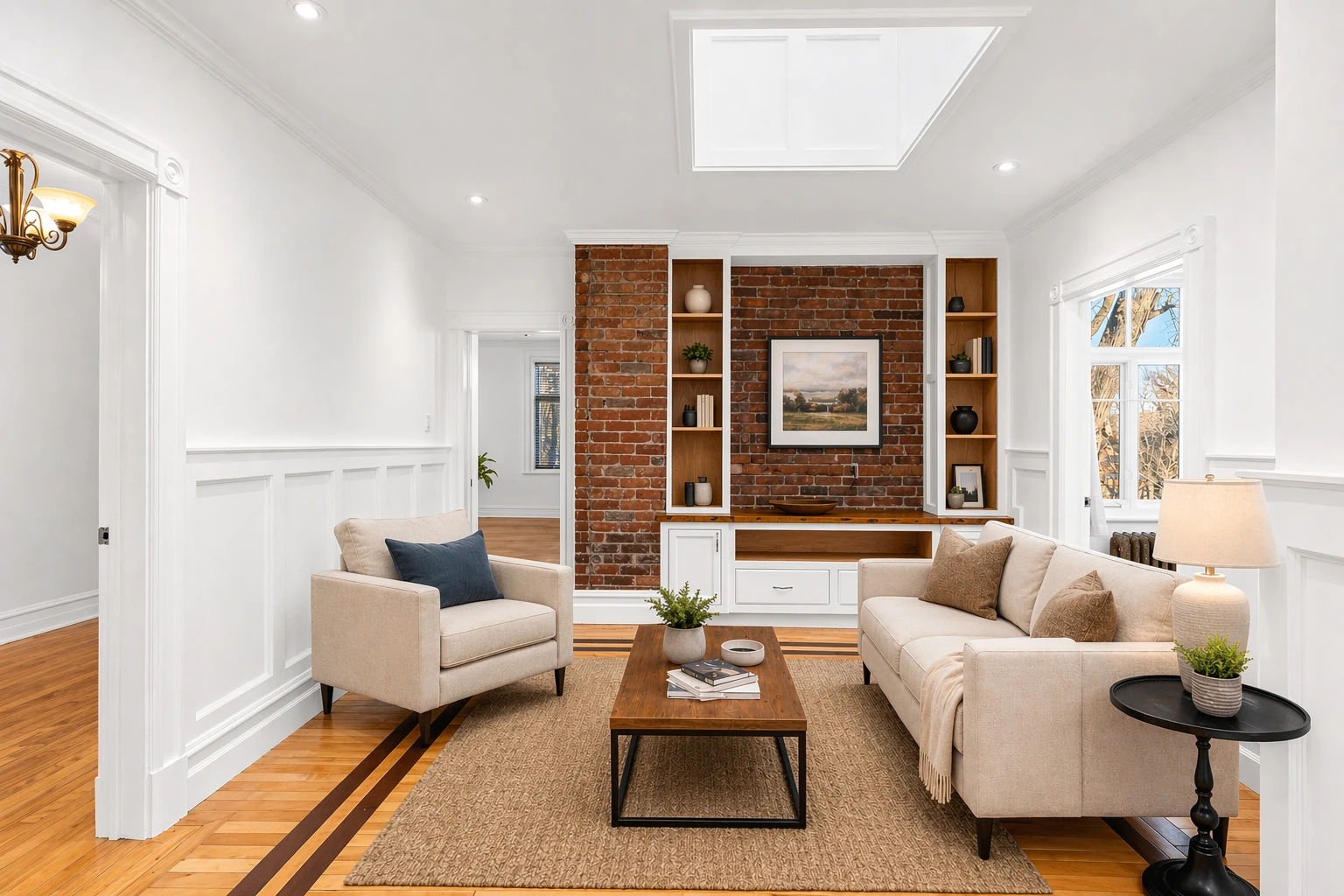
Living room styled with subtle decor to enhance warmth and balance
What this workflow can include
We group capabilities so you can see what’s in scope. Your proof gallery above is the best guide.
Room types & style
- Living, dining, kitchens, bedrooms & primary suites, offices, nurseries & kids’ rooms, basements & media or bonus spaces, entries & hallways, sunrooms, covered patios & balconies where the shot supports it
- Style direction that fits your market
- Seating and traffic paths that read in photos
Multi-view (same room)
- Several listing photos of the same space from different camera positions—not different rooms
- Stage a reference angle first, then match the other views so furniture and décor stay consistent across the set
- Built for galleries where buyers swipe through multiple angles of one room
Realism & disclosure
- Scale aligned with walls and camera angle
- Keep architecture and openings intact
- Edits for marketing, not for hiding defects
Visualize Vacant Rooms As
Listing-Ready Staging
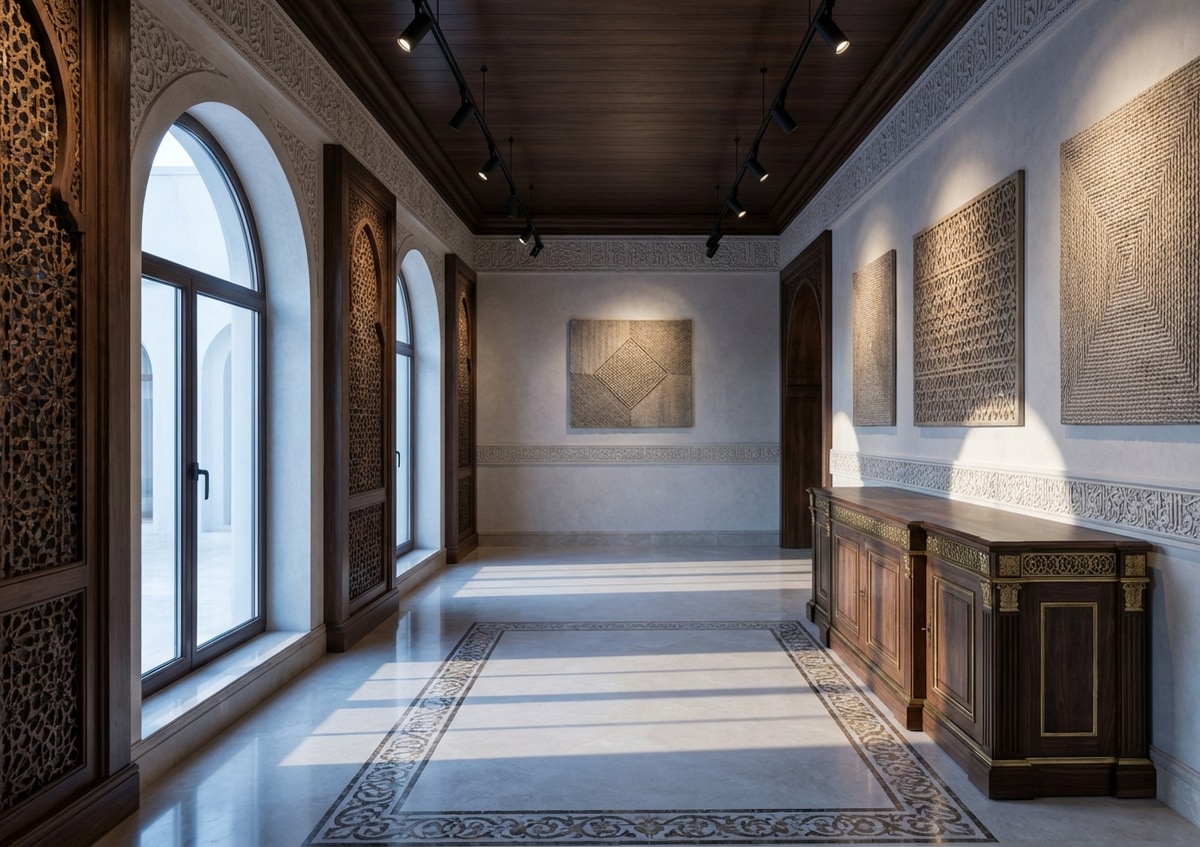
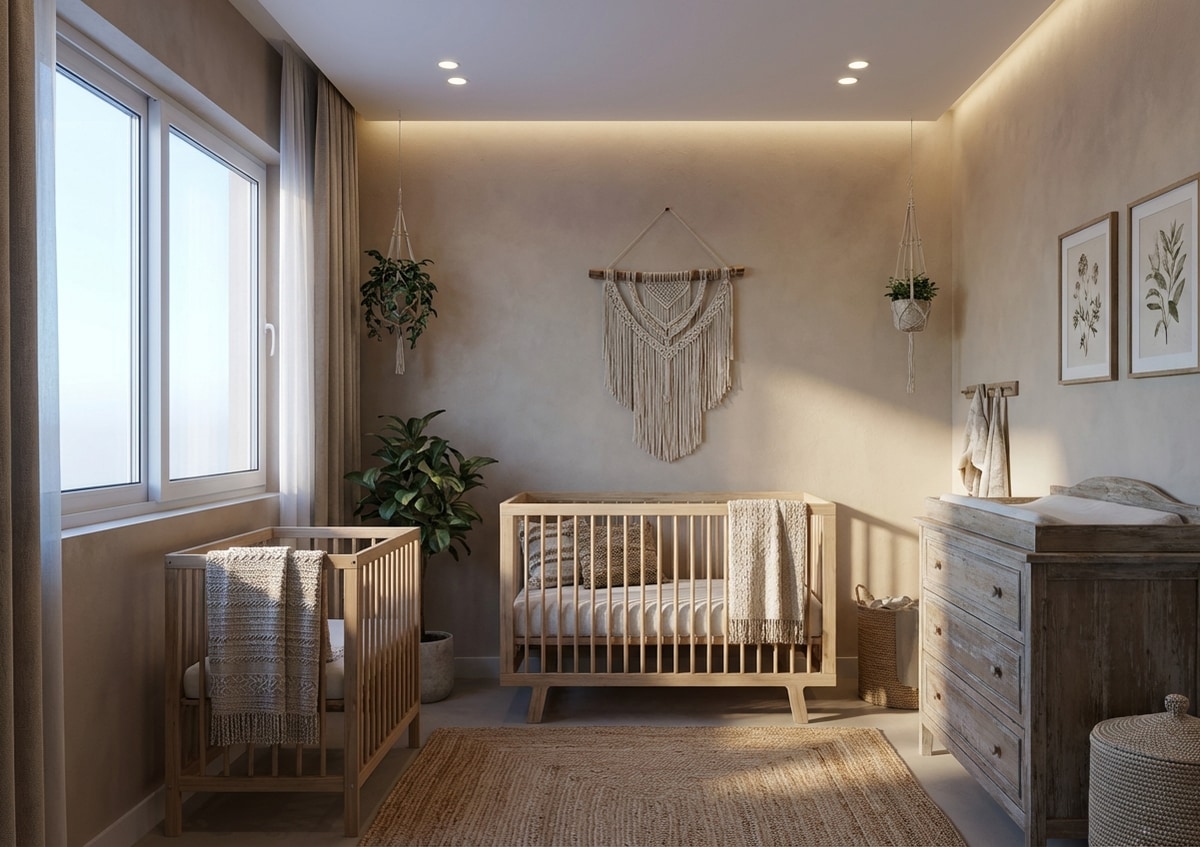
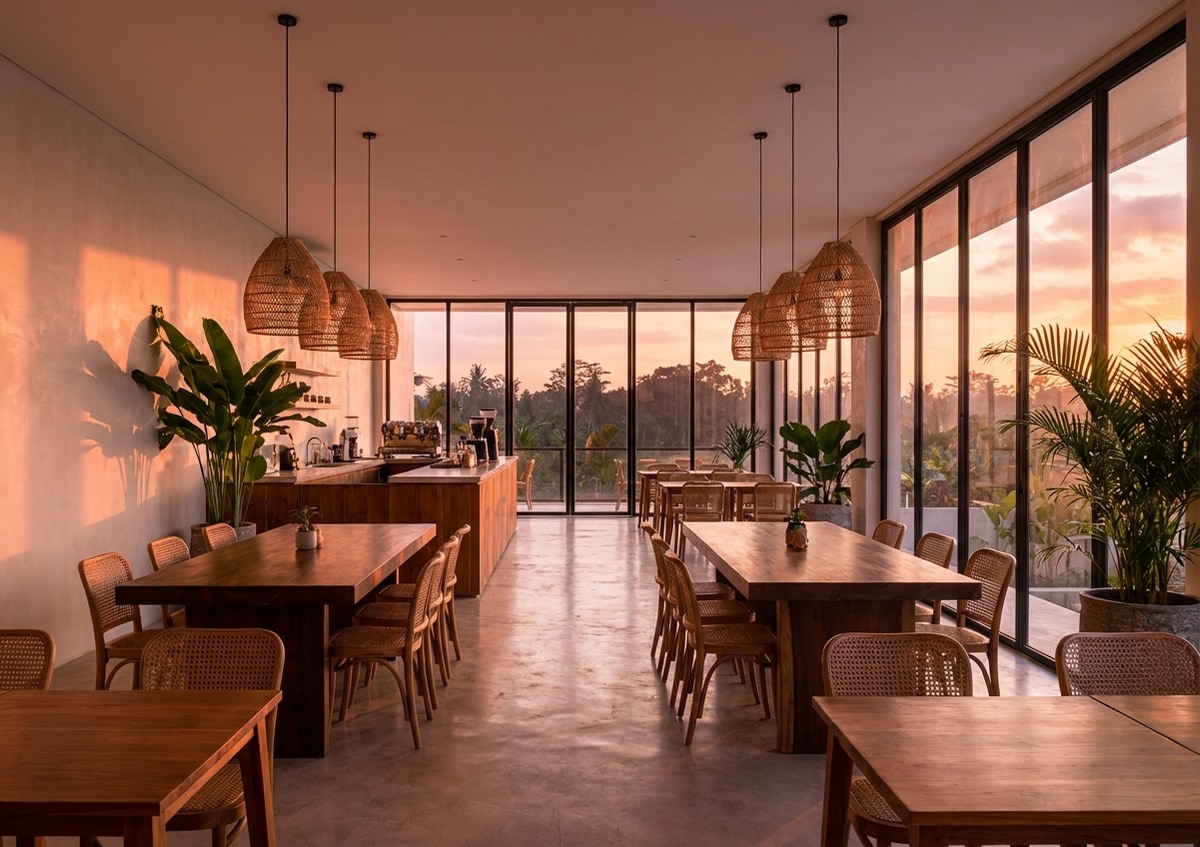
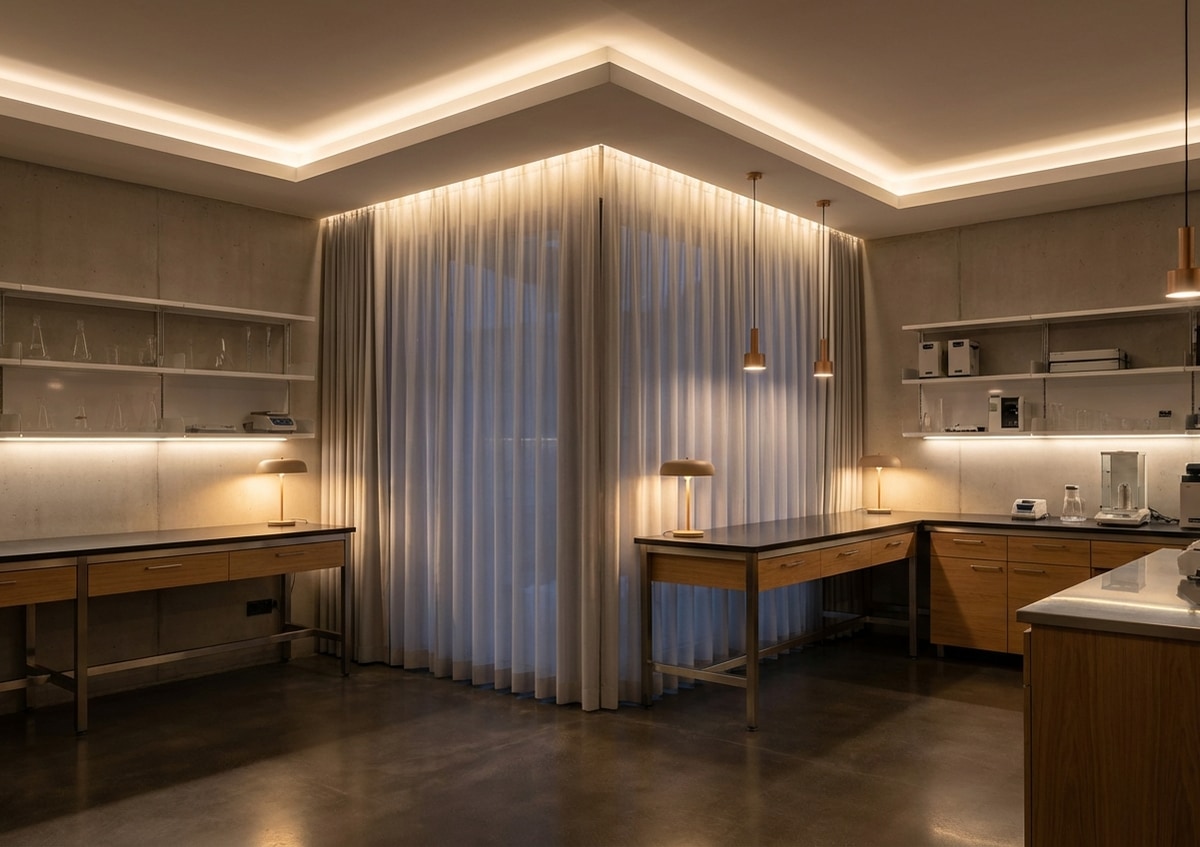
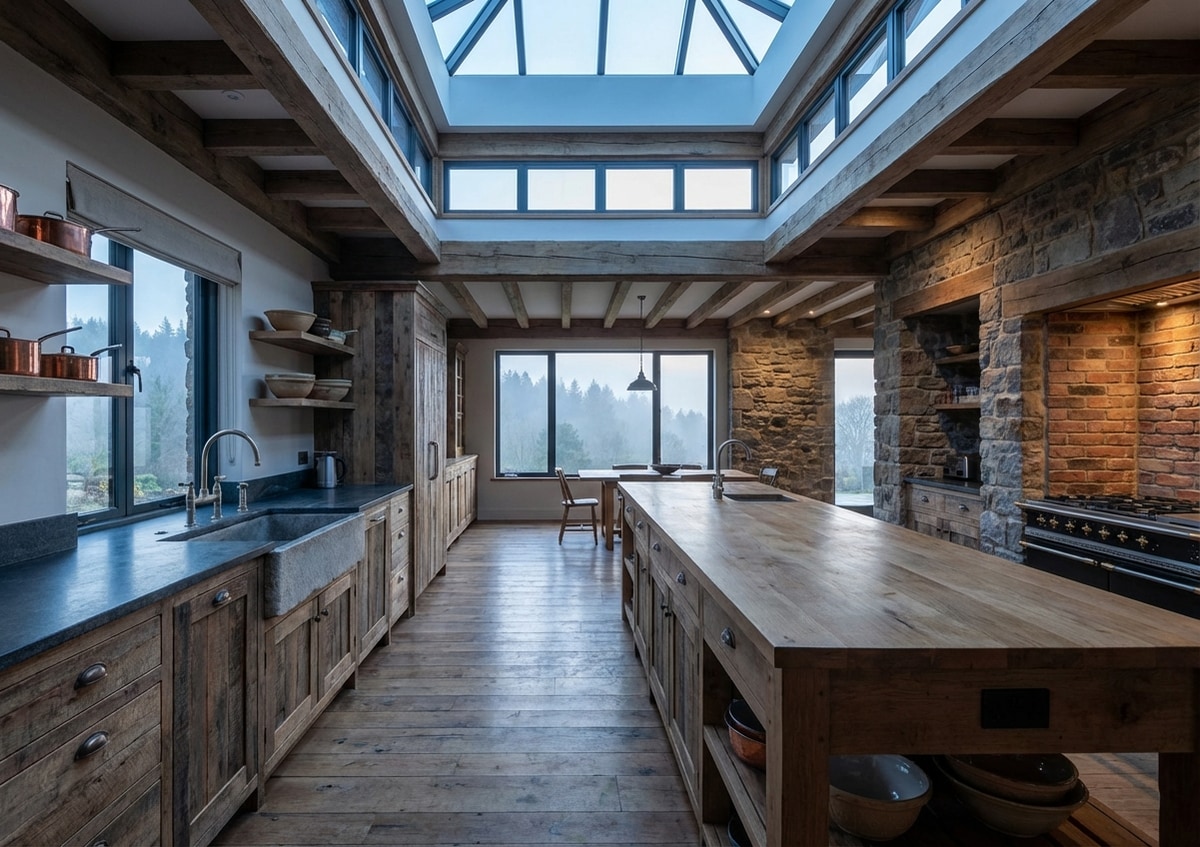
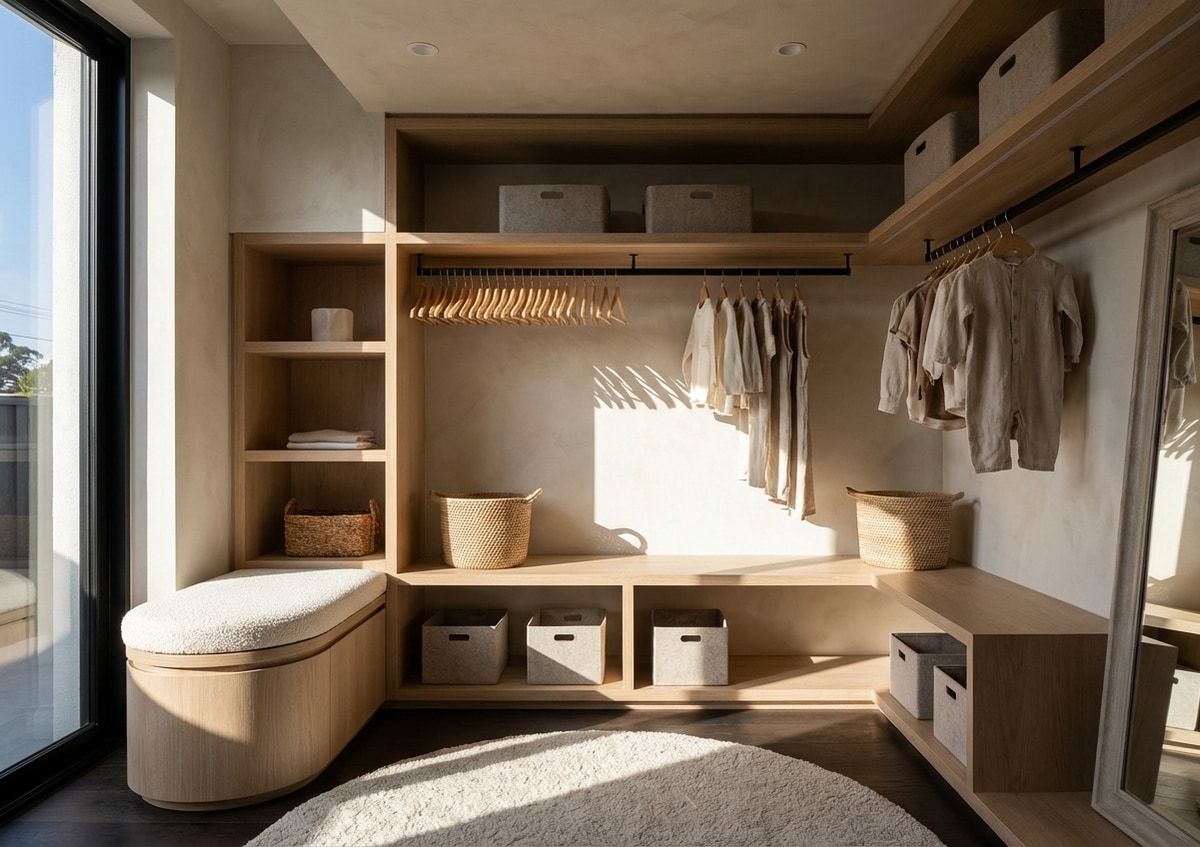
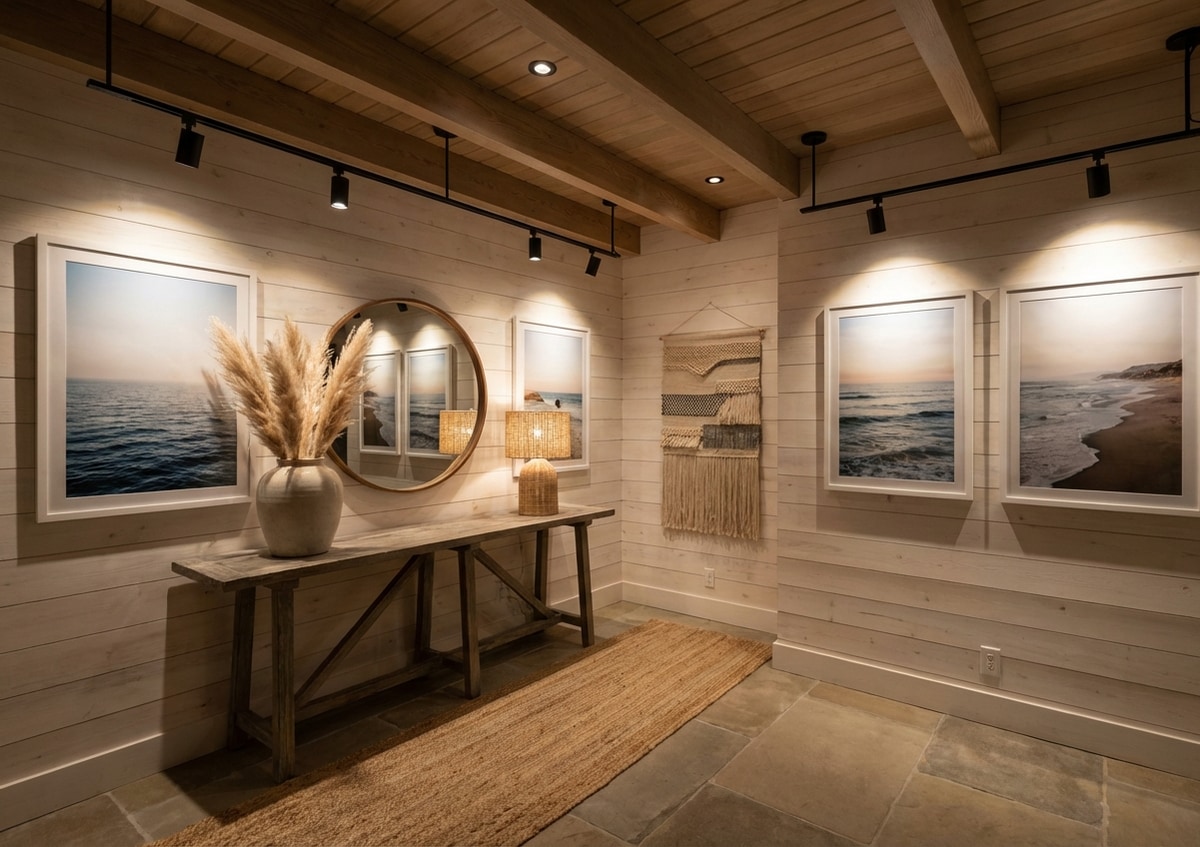
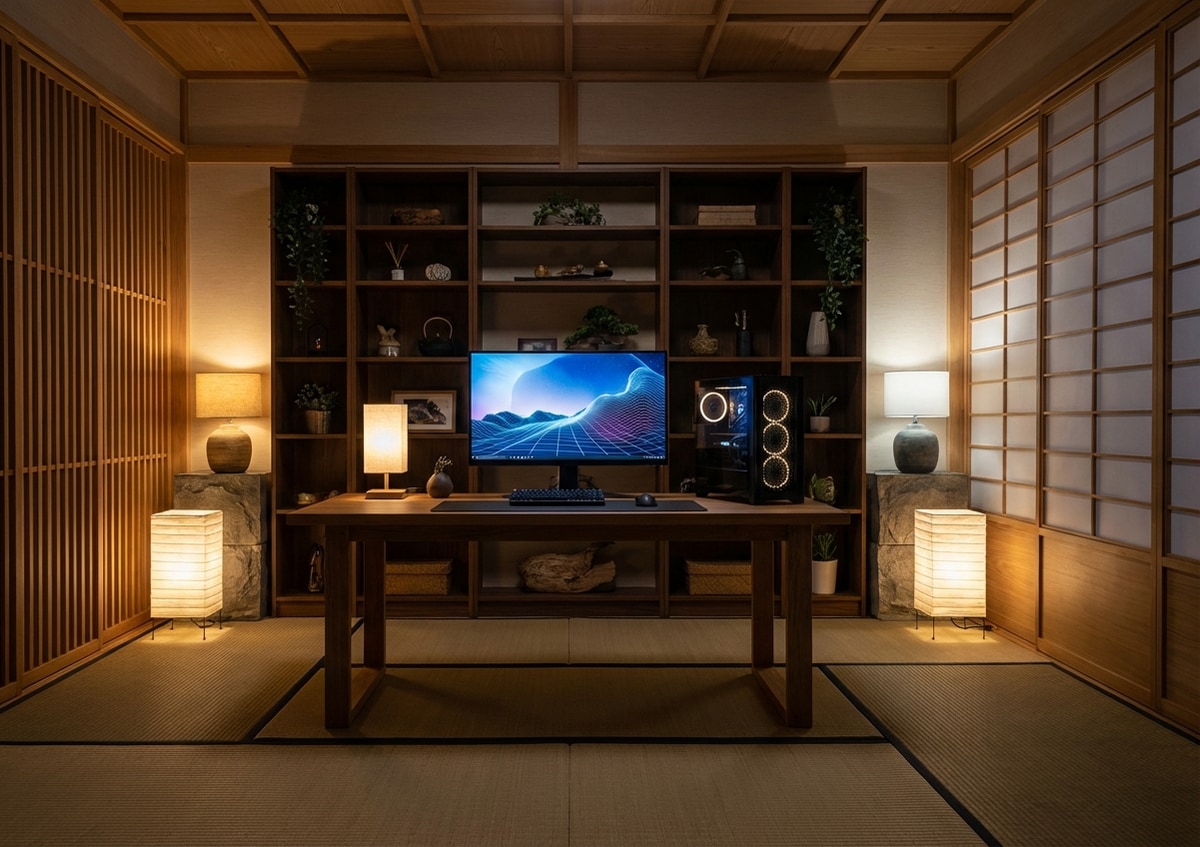
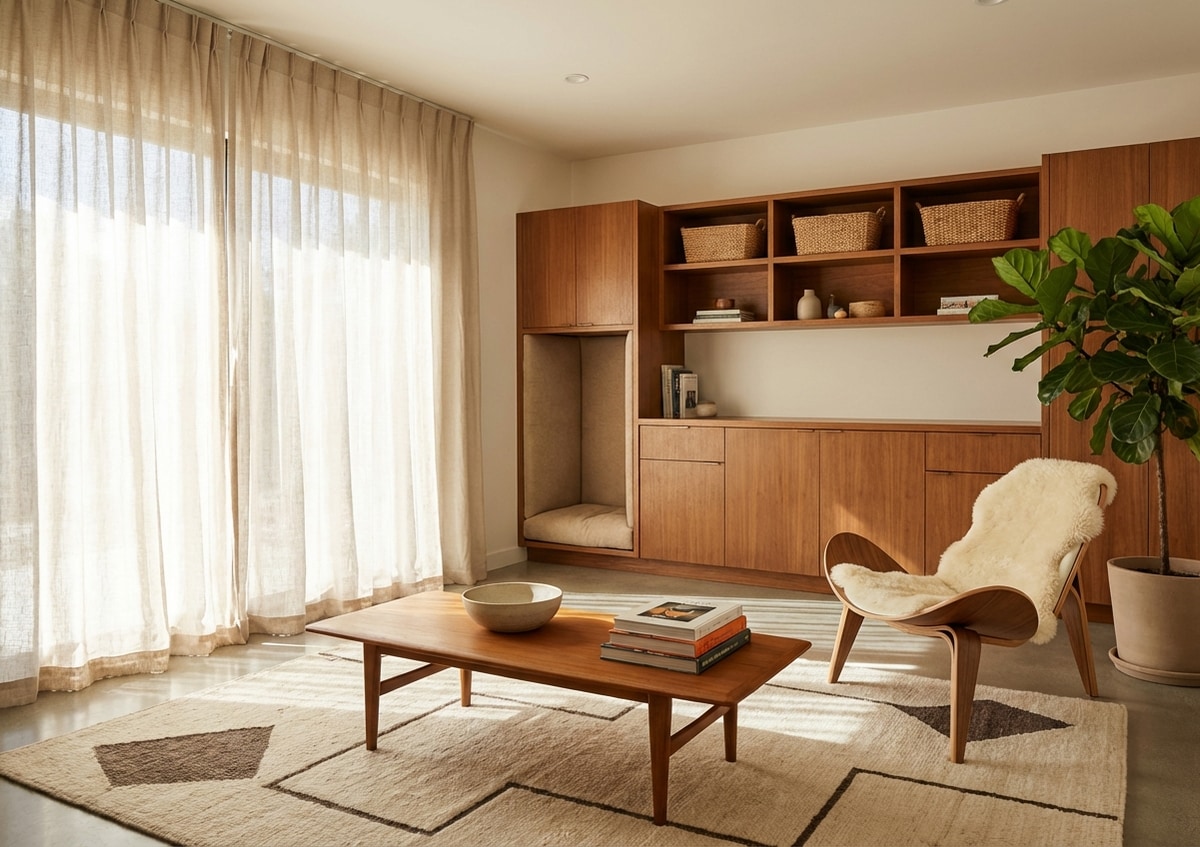
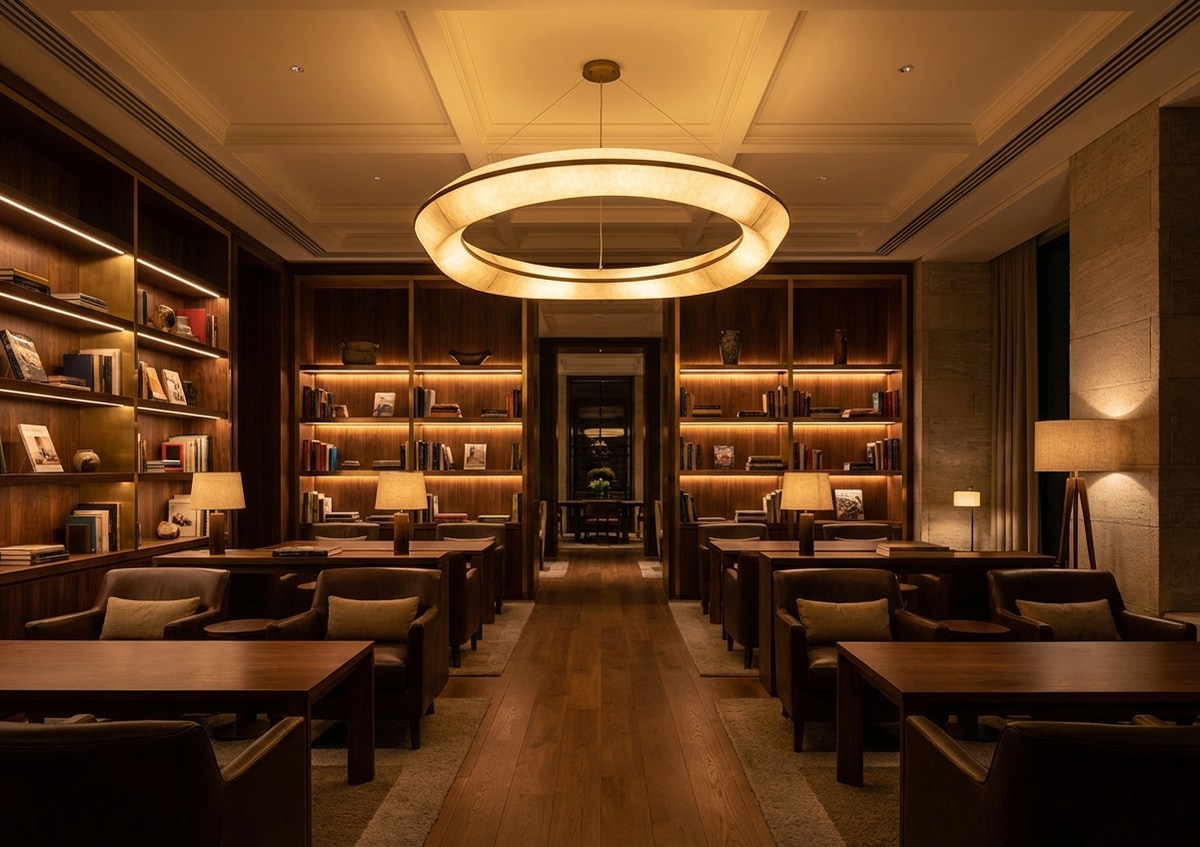
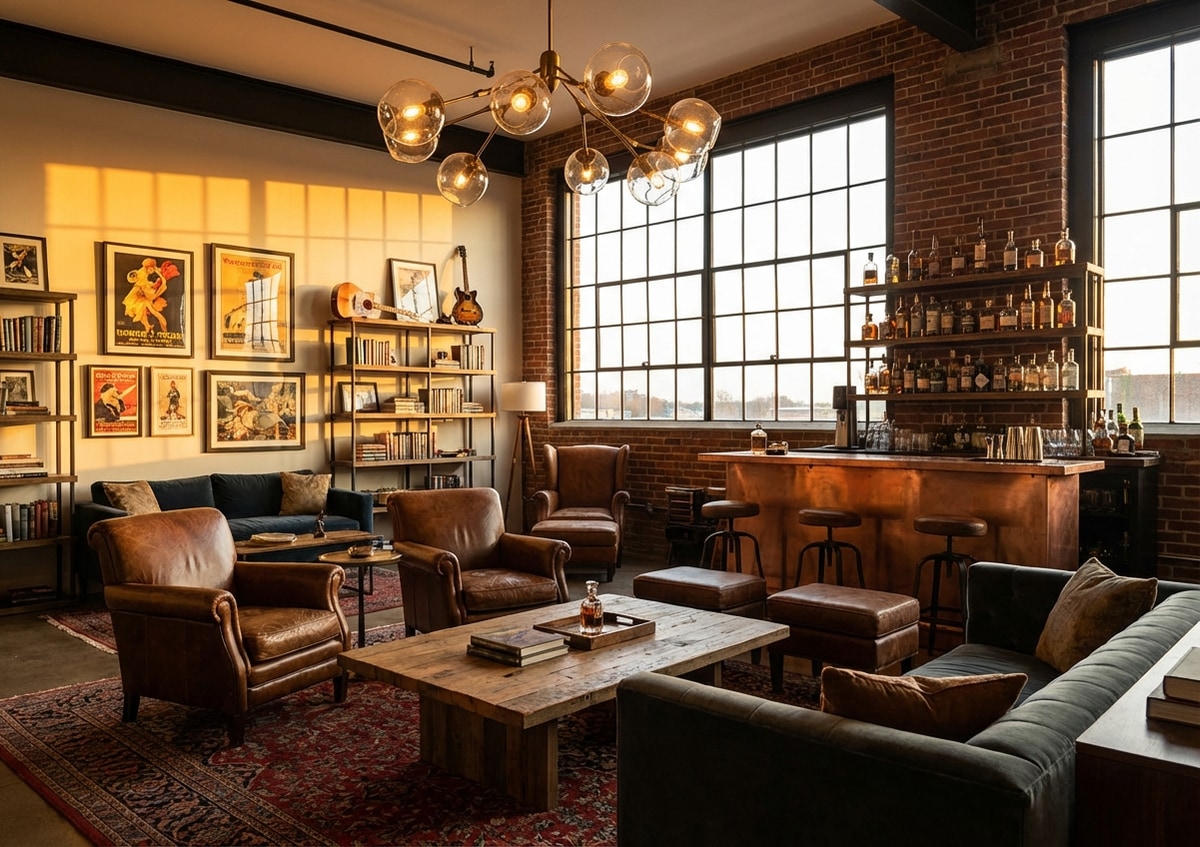
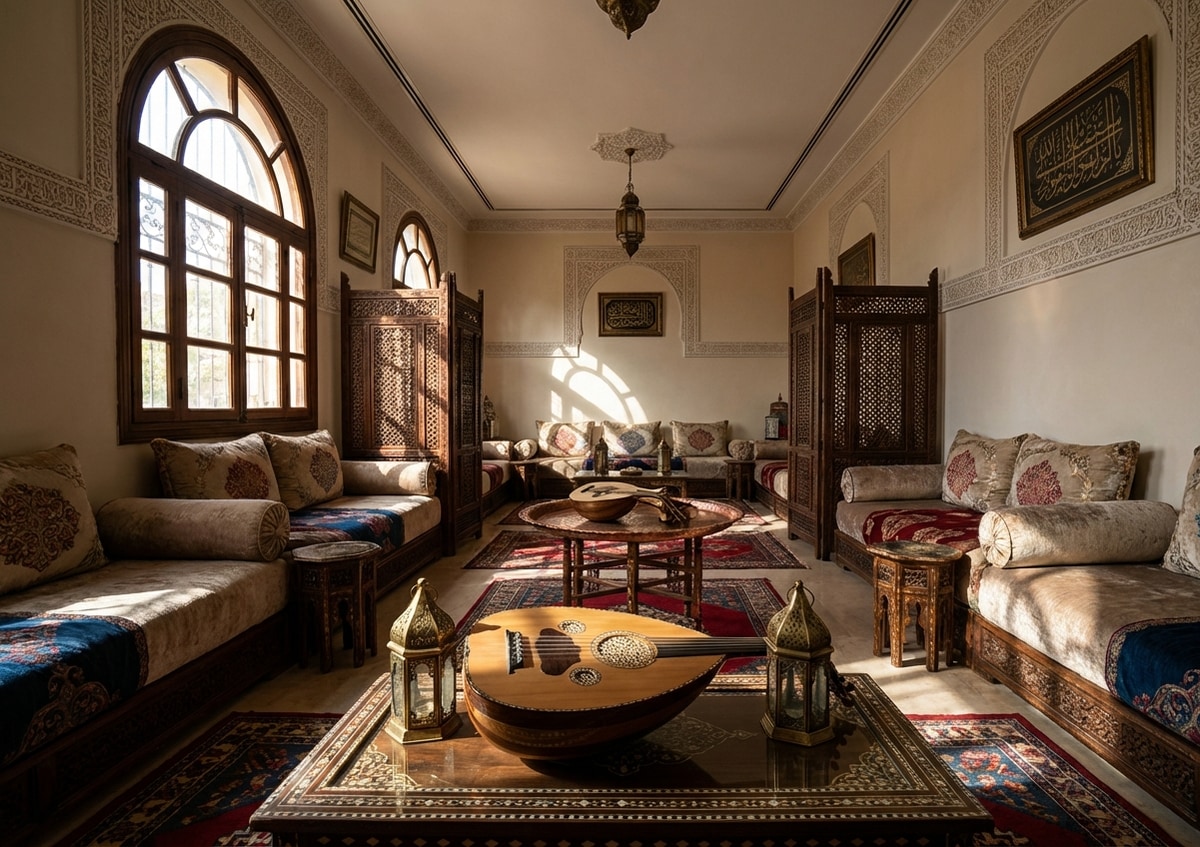
Preview catalog styles by room type—the same references you can use when staging empty listing photos for buyers and MLS workflows.

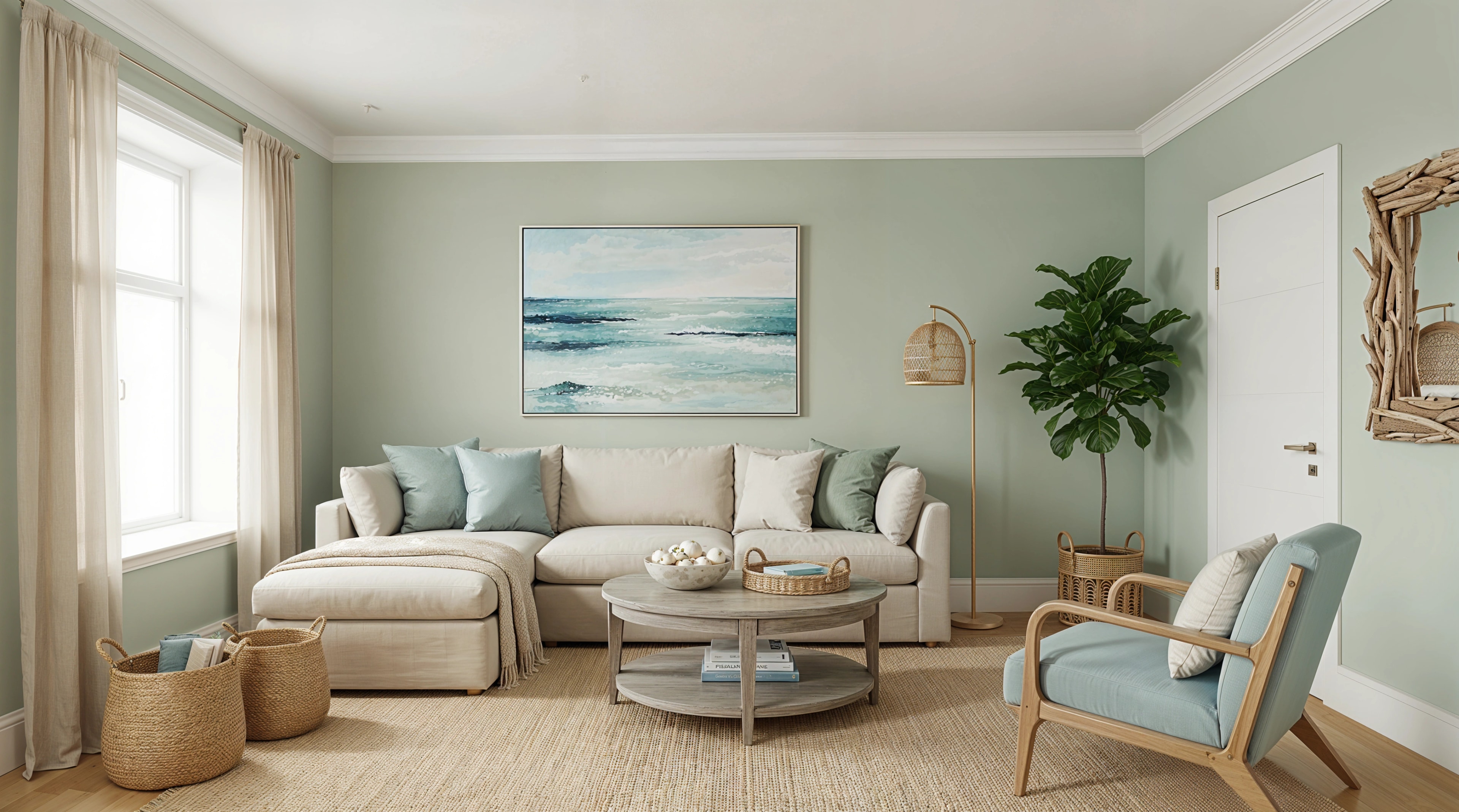
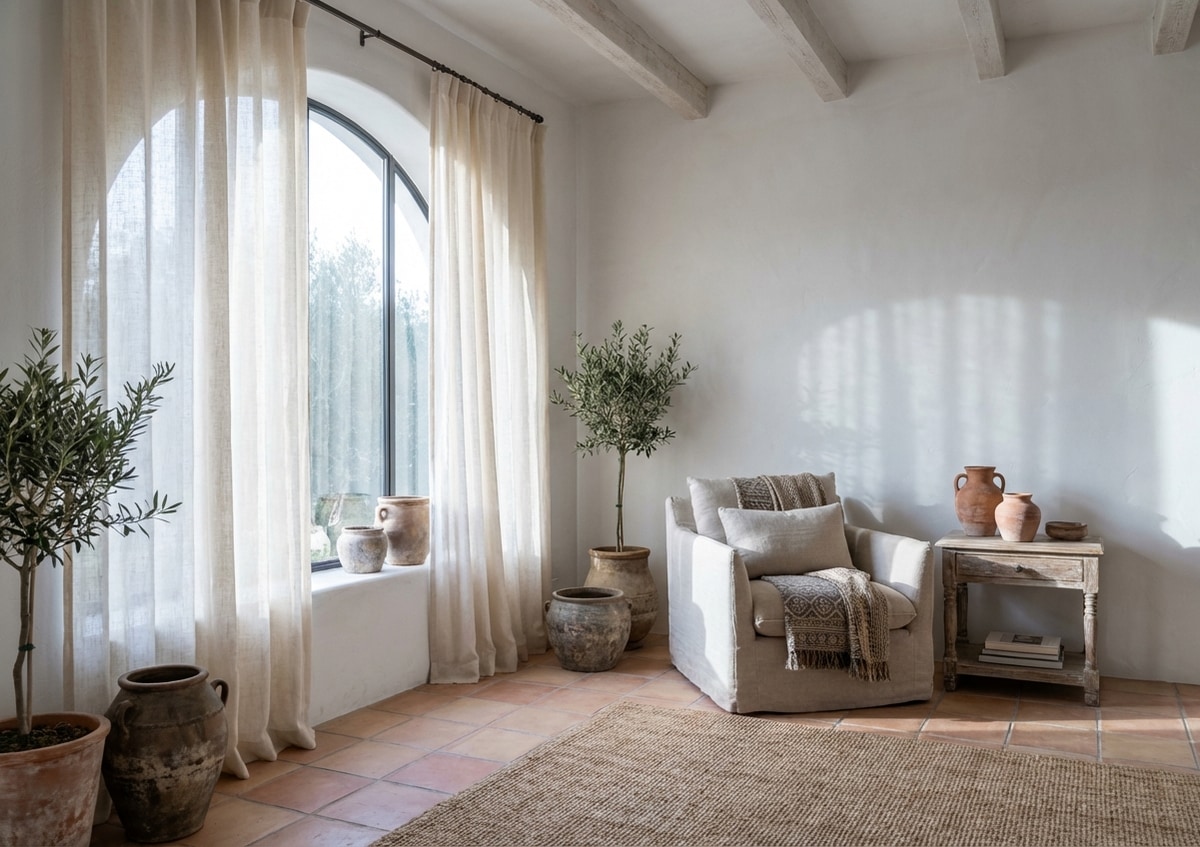
Coastal Living Room staging
Perspective-aligned coastal furnishings help buyers read scale and flow in vacant Living Room shots.
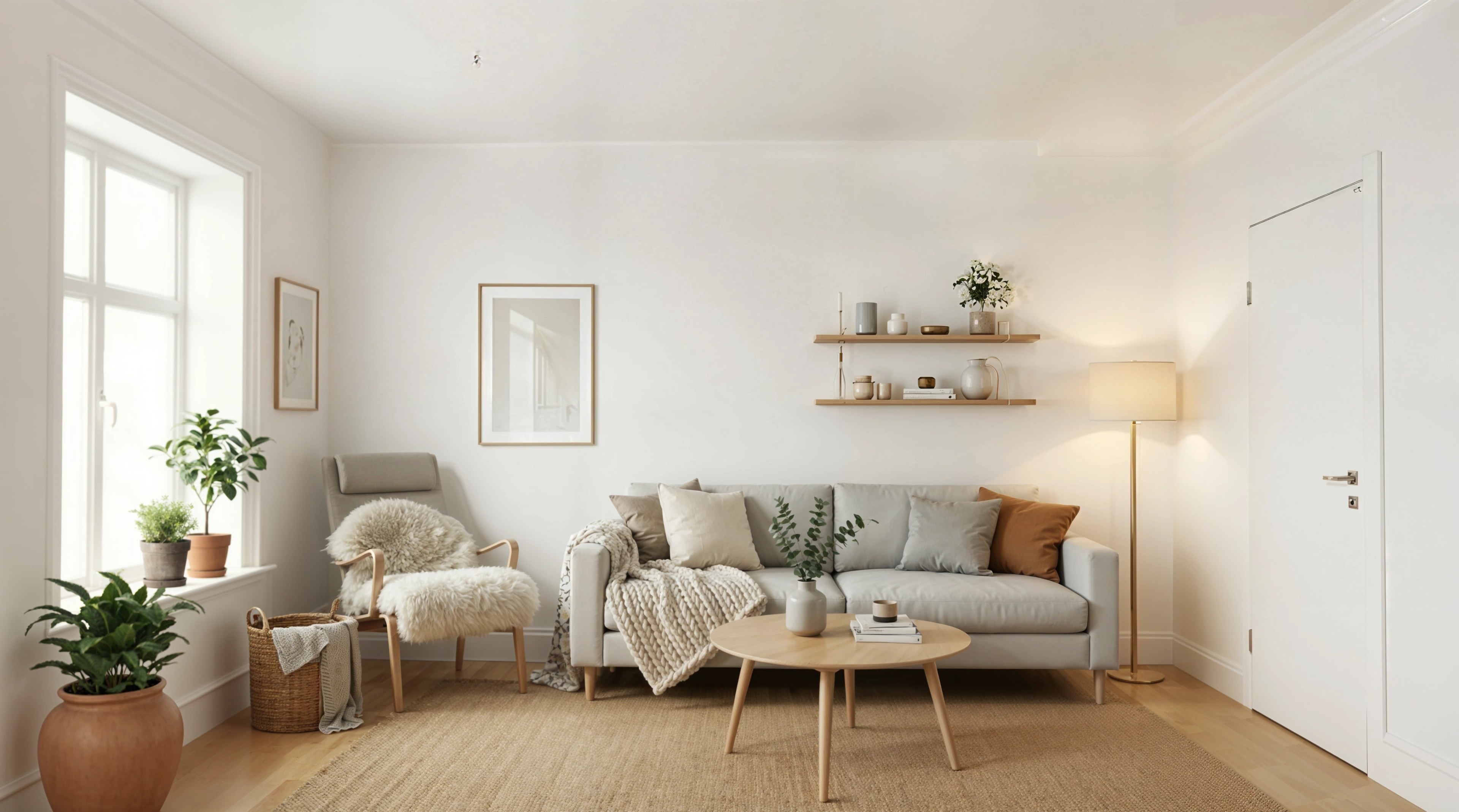
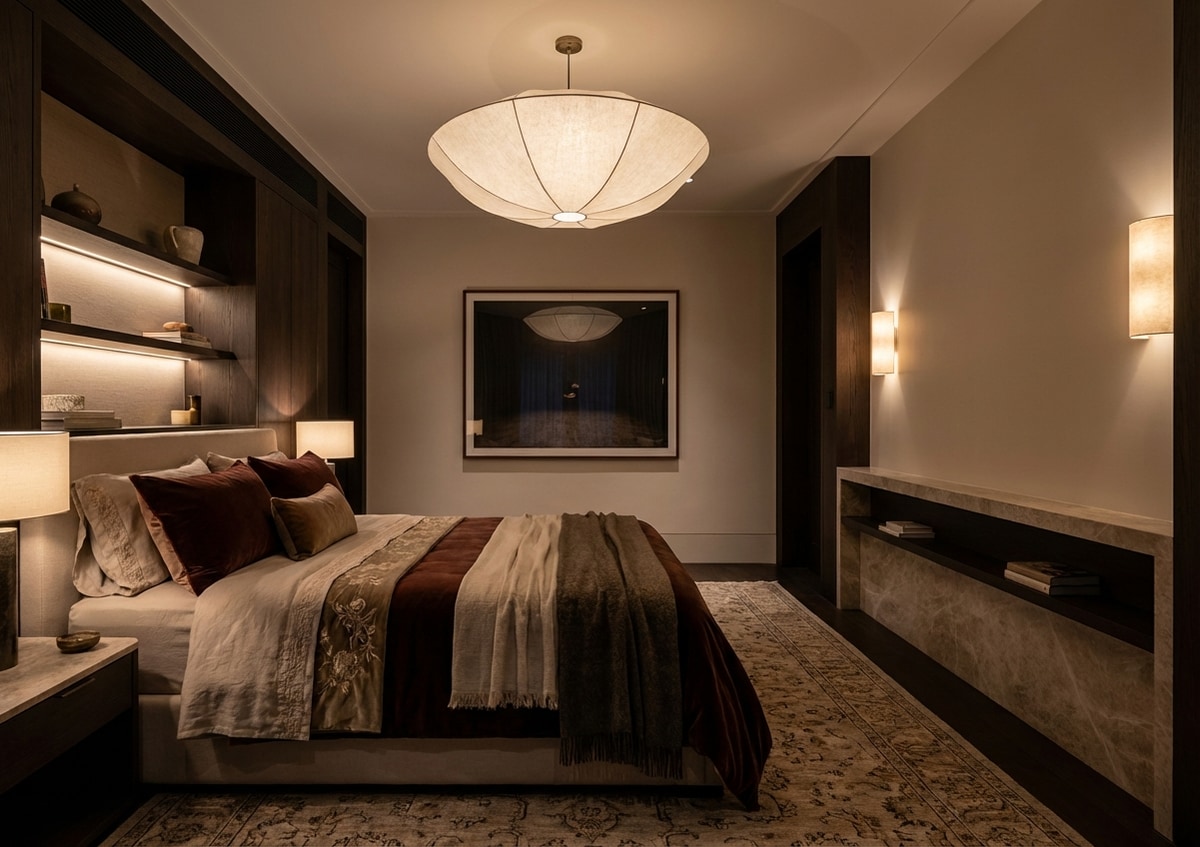
Scandinavian Living Room staging
Catalog style reference for virtual staging—the walls, openings, and camera angle in your frame stay truthful.
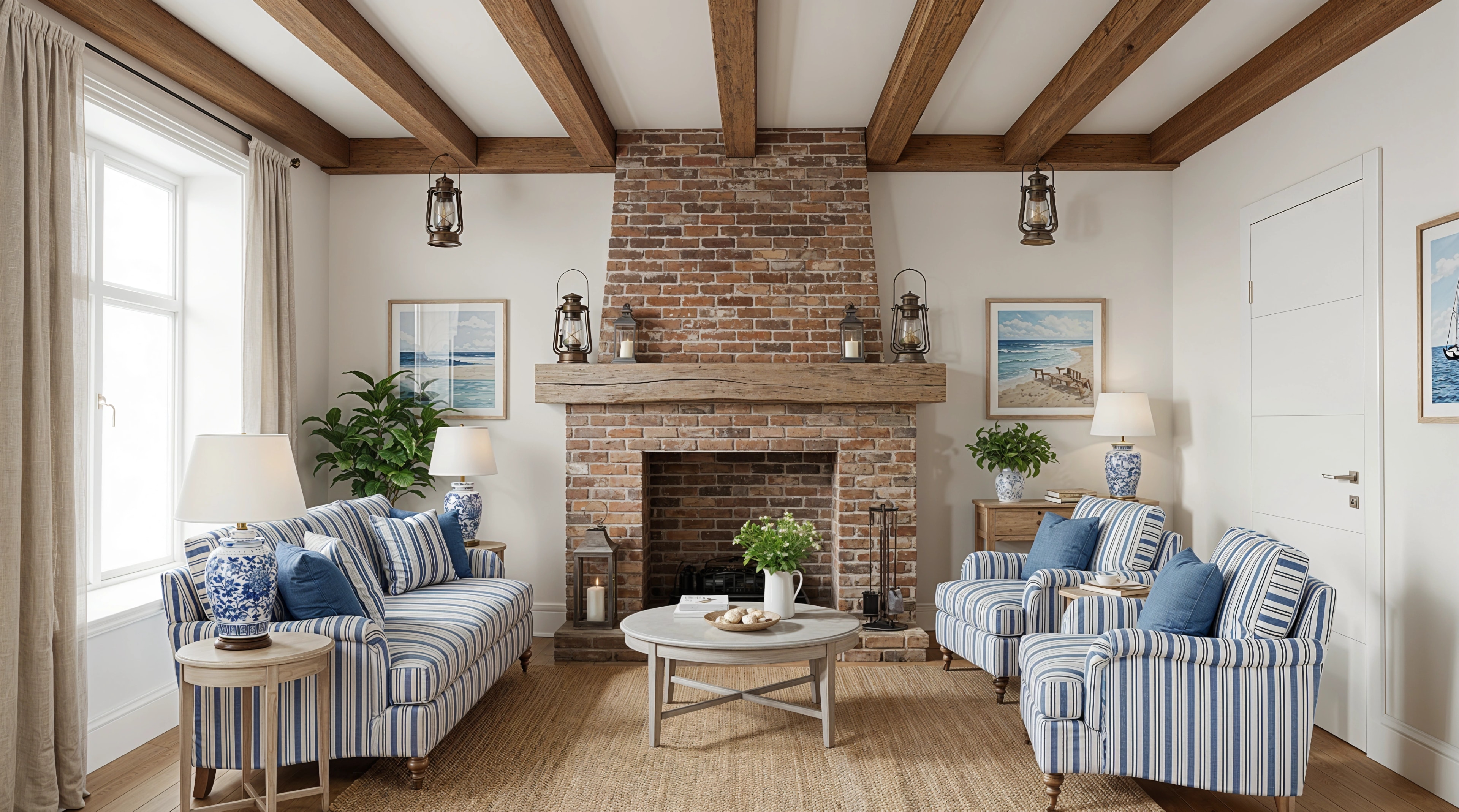
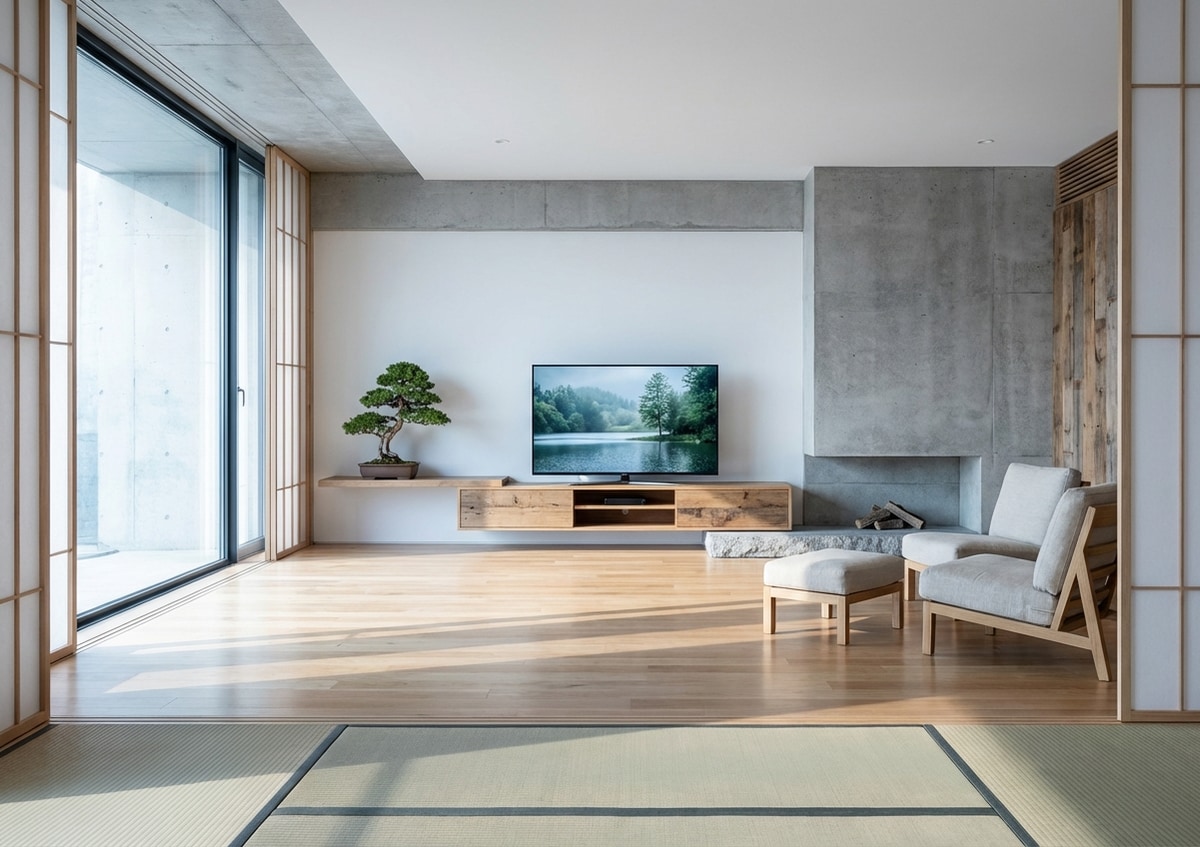
Country Living Room staging
Country direction tuned for thumbnails and full-screen gallery views across MLS and listing portals.
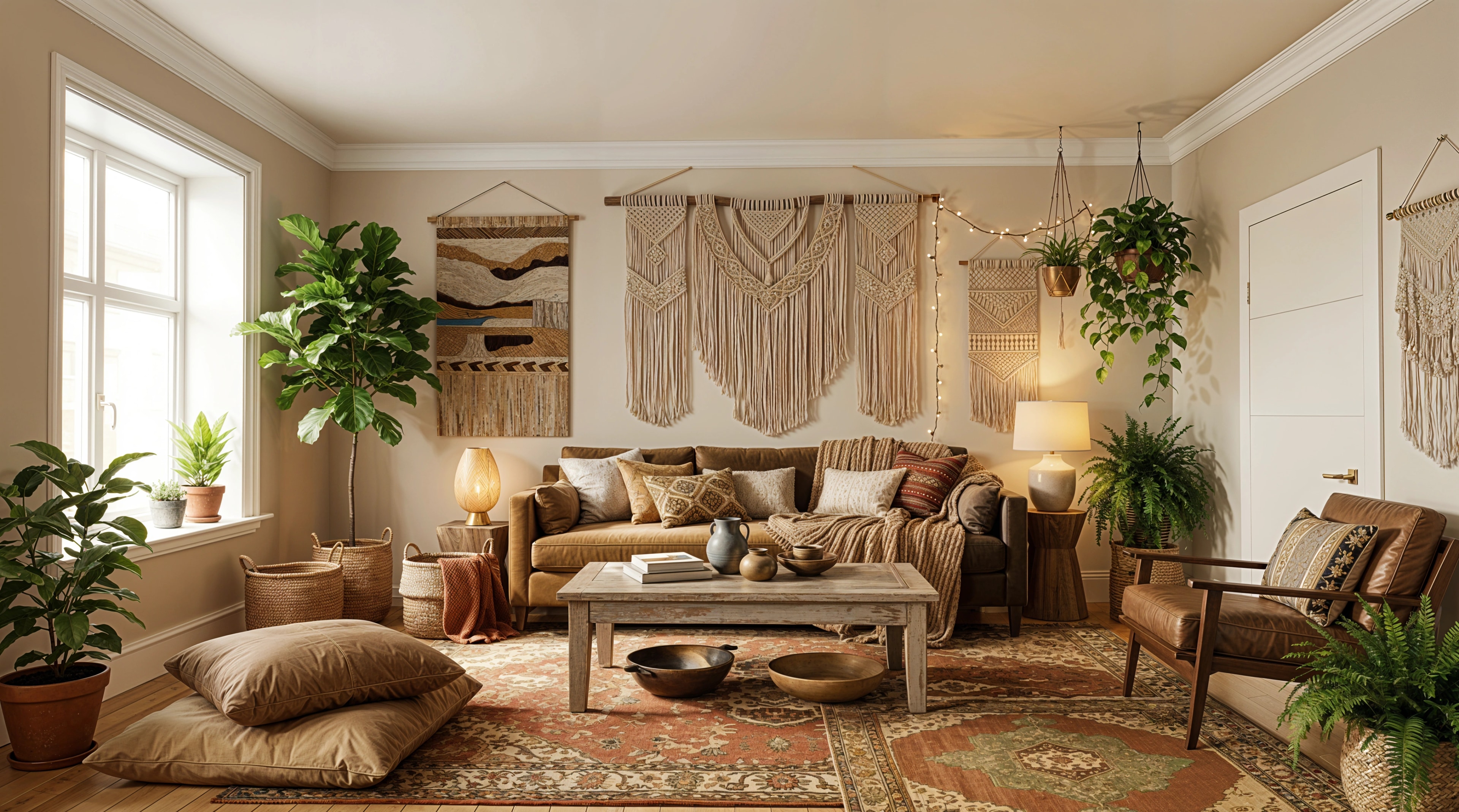
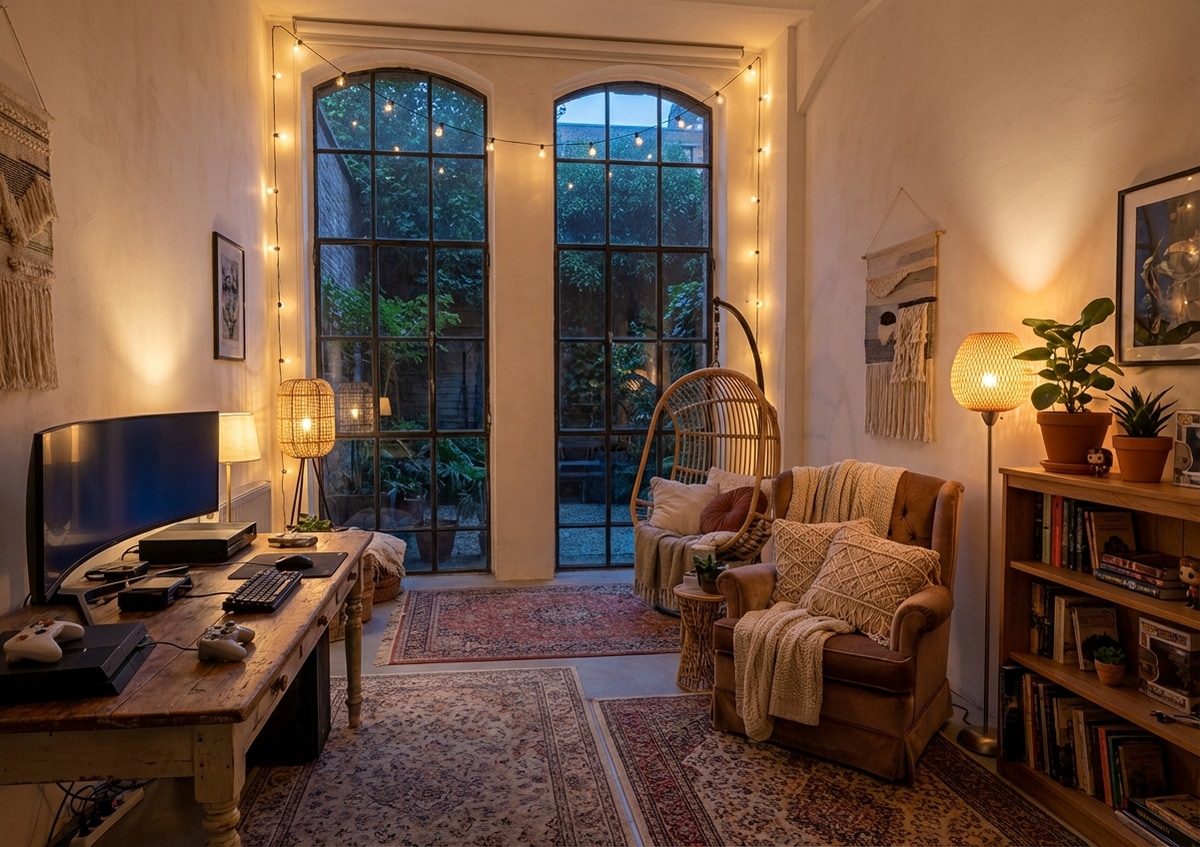
Bohemian Living Room staging
Show how this Living Room livens once staged—with bohemian layers suited to buyer expectations.

More real estate visual tools
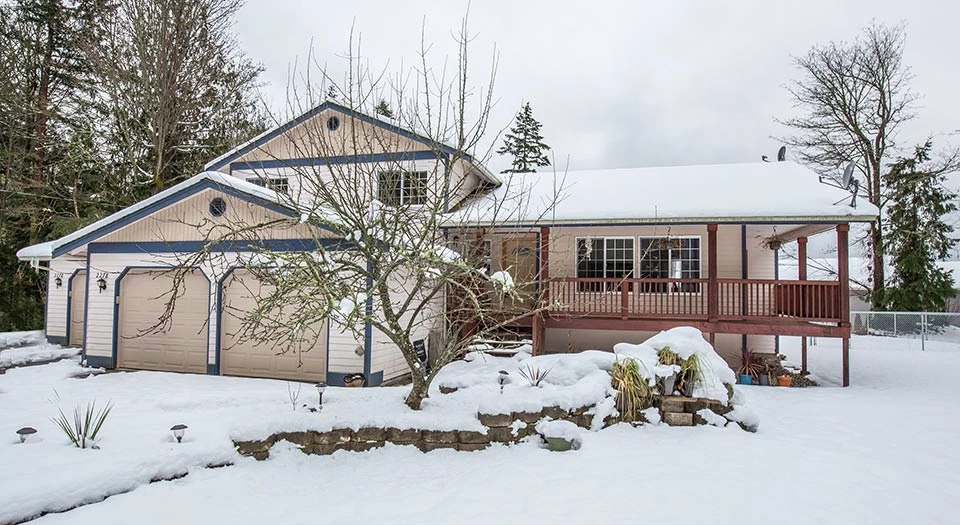
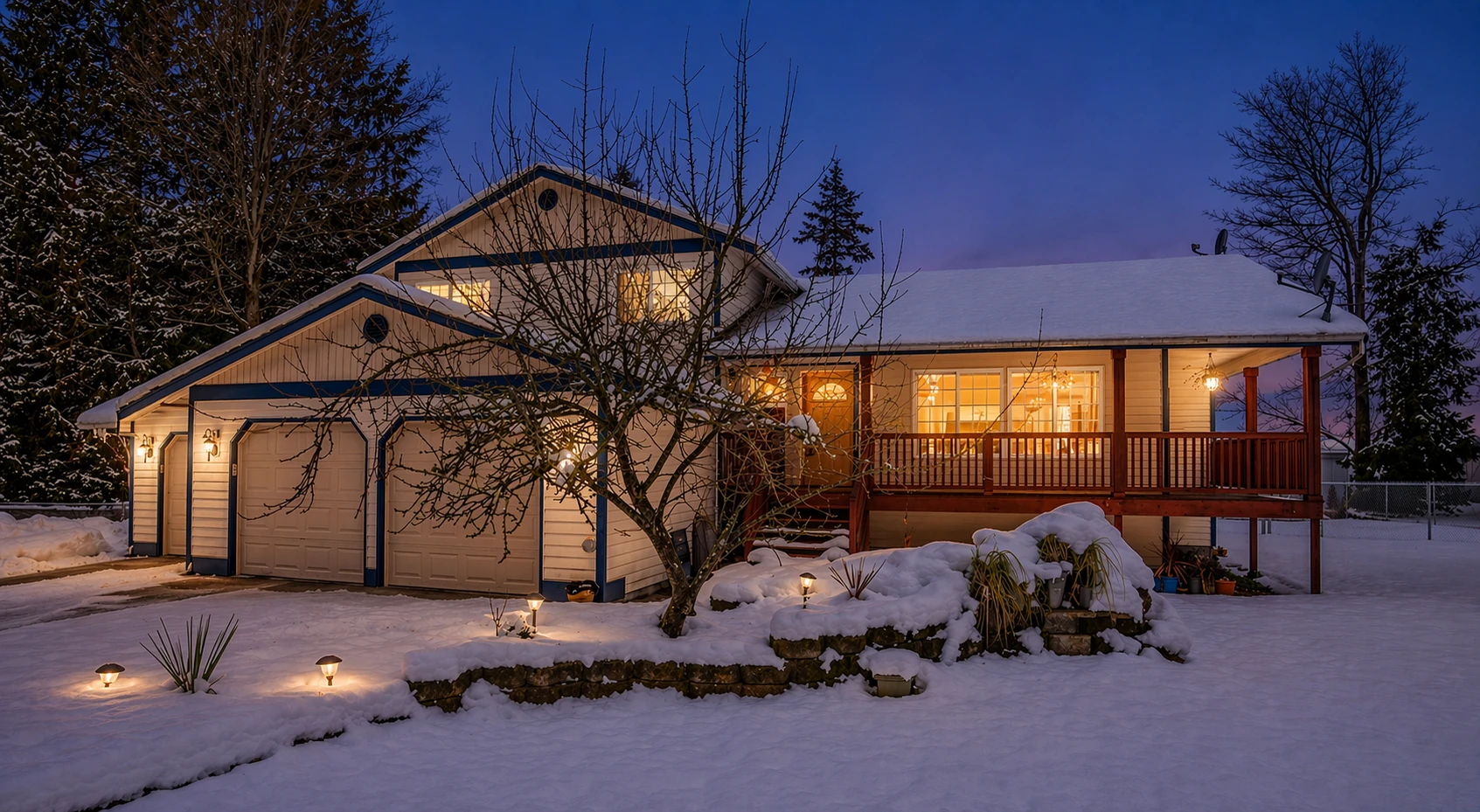
Pair staging with enhancement, twilight exteriors, and cleanup passes when your shoot needs a lift.